How can I identify negative customer feedback?
Issues & Negative Feedback
Negative feedback can appear as a low rating, a complaint in a customer comment, or a pattern of similar concerns. Review it early so your team can understand the experience and decide whether follow-up is needed.
Where to look
- Choose the business location you want to review.
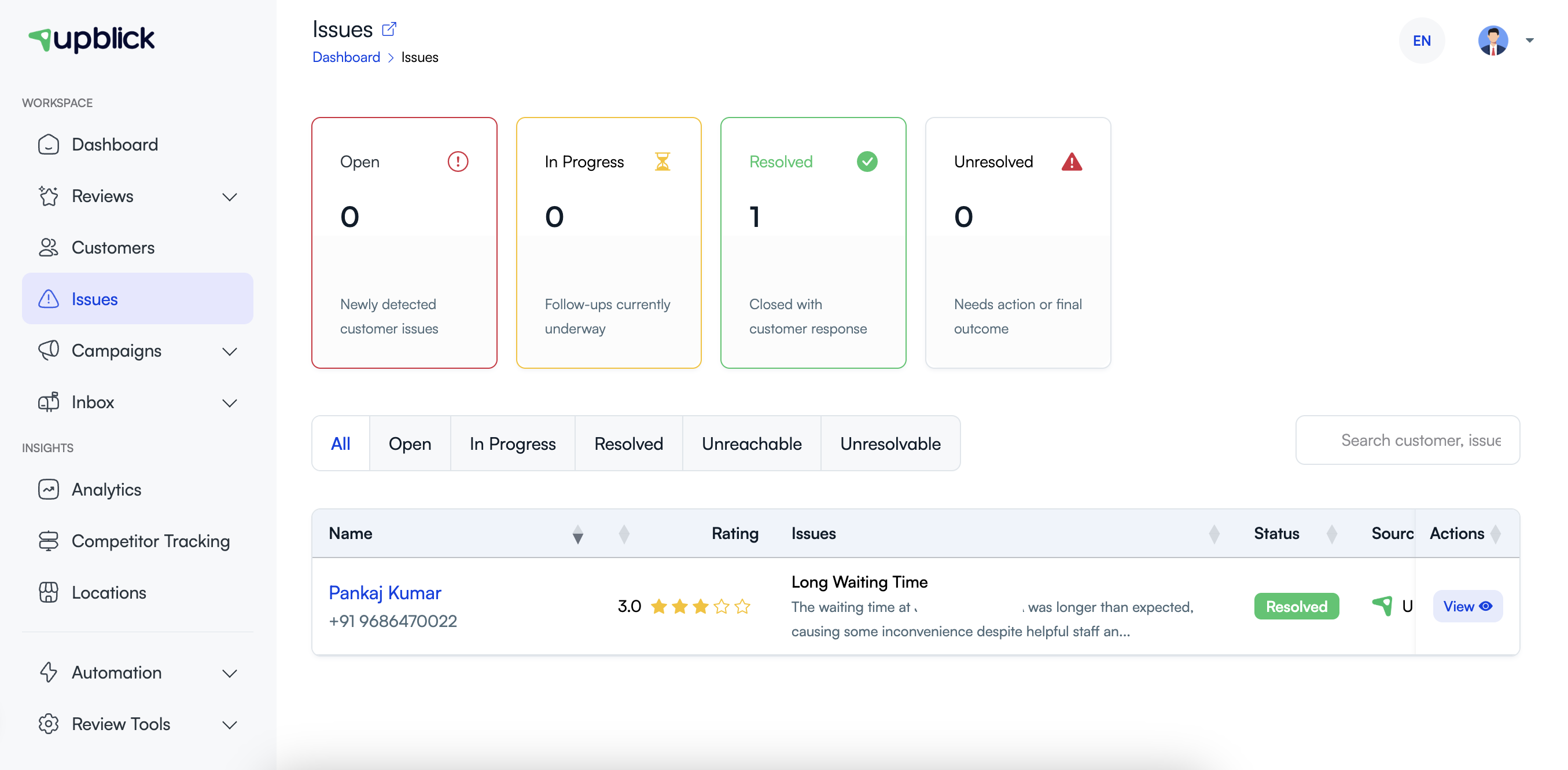
- Open Issues from the sidebar.
- Review the Open issues and use the status filters to focus on new concerns.
- Open an issue to read the customer comment, rating, source, and AI analysis.
Signs that feedback needs attention
- A recent 1-star, 2-star, or 3-star rating.
- Comments about delays, staff behaviour, quality, billing, cleanliness, or an unmet expectation.
- Repeated complaints about the same service or customer touchpoint.
- Feedback that asks for a reply, refund, correction, or direct contact.
- A negative Google review that is visible to prospective customers.
Review the context before acting
Open the issue details and check the customer name, contact details when available, rating, review date, source, comment, sentiment, and reason. This context helps you avoid assumptions and route the issue to the right person.
Set a priority
Give priority to recent, specific, or serious concerns. A public complaint, a complaint involving safety or payment, and repeated feedback about the same problem should normally be reviewed before an older, less detailed comment.
Related Articles
Turn every customer touchpoint into review growth
Use UpBlick to collect feedback, request Google reviews, recover bad experiences, and understand customer sentiment.
Need help with UpBlick?
Use these guides to set up review collection, customers, WhatsApp automation, issue recovery, and reporting.
Start growing reviews with UpBlick