How can I follow up with customers about their issues?
Issues & Negative Feedback
Follow-up should be timely, respectful, and useful. The aim is to understand the customer’s concern, explain the next step, and record the outcome so the issue does not get lost.
Start the follow-up
- Open the issue from Issues.
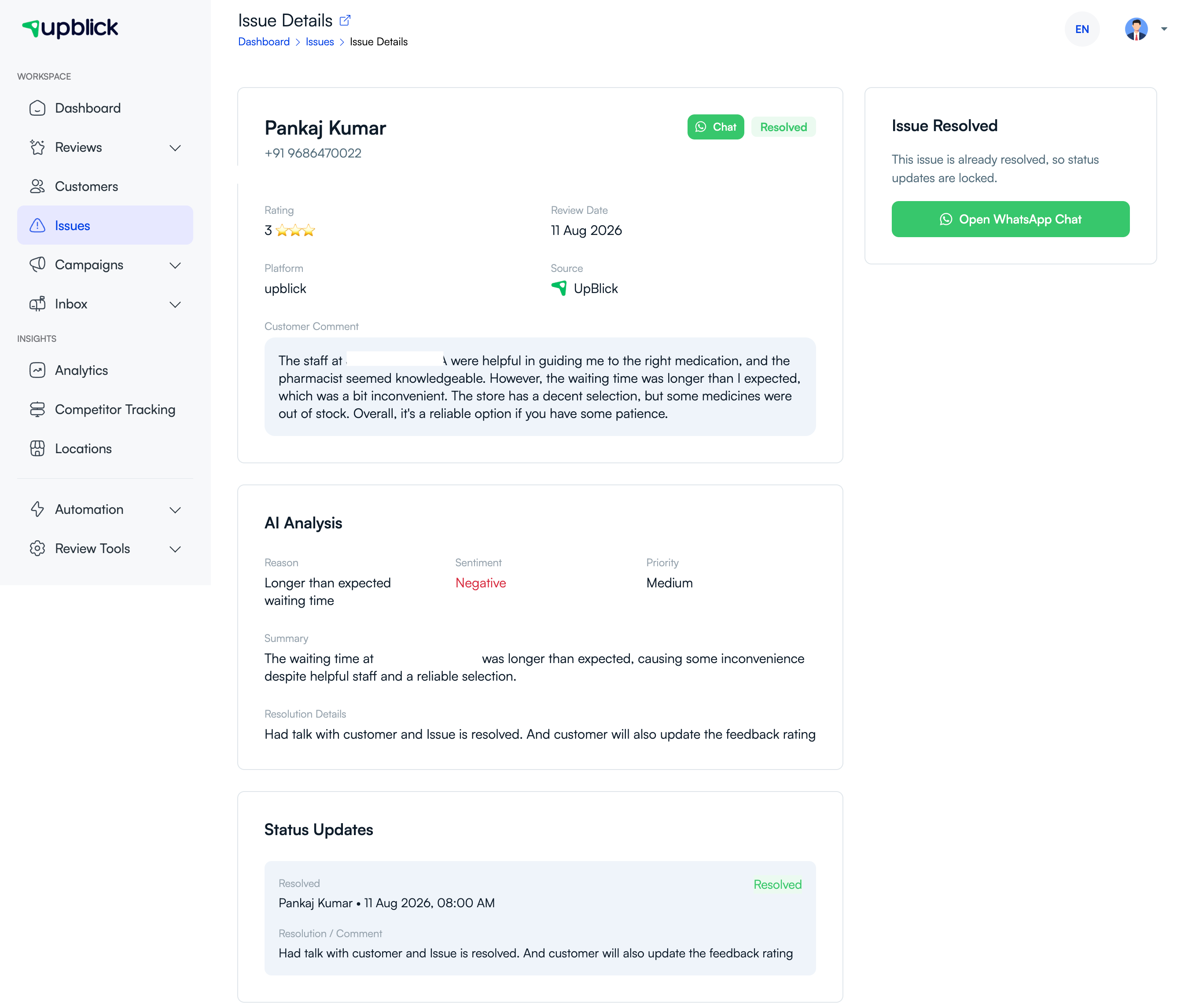
- Review the feedback, rating, AI analysis, and any previous status updates.
- Move the issue to In Progress when someone begins handling it.
- Use the available contact method, such as WhatsApp, to contact the customer.
- Introduce yourself, acknowledge the concern, and ask only for the information needed to investigate.
Only contact customers through details they have shared with your business and follow your organisation’s consent and communication policies.
During the conversation
- Listen before proposing a solution.
- Confirm the important facts in plain language.
- Give a realistic timeframe for the next update.
- Escalate the issue when it needs a manager, specialist, or another team.
- Do not ask the customer to remove or change a review as a condition of help.
Record every important update
Add a status update or comment after each meaningful step. Include what happened, the promised next action, and the date for the next follow-up. This keeps the customer history clear even if another team member takes over.
Related Articles
Turn every customer touchpoint into review growth
Use UpBlick to collect feedback, request Google reviews, recover bad experiences, and understand customer sentiment.
Need help with UpBlick?
Use these guides to set up review collection, customers, WhatsApp automation, issue recovery, and reporting.
Start growing reviews with UpBlick