Manage business locations from one account, switch between location-specific dashboards, and keep Google Reviews, customer feedback, analytics, and customer engagement organized by location.
No Credit Card Required • Setup in Minutes • Built for Local Businesses
Reviews, customer feedback, and day-to-day reputation work can become fragmented when every branch is handled separately. A shared location structure gives owners and operators a clearer way to move between locations and understand what is happening at each one.
Each business location has its own reviews, ratings, customers, and Google Business Profile activity.
Without a shared system, teams repeatedly switch between profiles and disconnected records.
An overall brand reputation can hide important differences between individual branches, stores, clinics, or offices.
Location-level ratings, review counts, customer activity, and response rates help teams see where attention may be needed.
Checking reviews, sending requests, reading feedback, and reviewing analytics separately for every location takes repeated effort.
A consistent location-based workflow makes these tasks easier to repeat as the business grows.
Reviews, customer feedback, and day-to-day reputation work can become fragmented when every branch is handled separately. A shared location structure gives owners and operators a clearer way to move between locations and understand what is happening at each one.
Each business location has its own reviews, ratings, customers, and Google Business Profile activity.
Without a shared system, teams repeatedly switch between profiles and disconnected records.
Keep Locations Organized
Bring location-specific reputation work under one account.
An overall brand reputation can hide important differences between individual branches, stores, clinics, or offices.
Location-level ratings, review counts, customer activity, and response rates help teams see where attention may be needed.
See Each Location Clearly
Understand local performance without losing the wider business view.
Checking reviews, sending requests, reading feedback, and reviewing analytics separately for every location takes repeated effort.
A consistent location-based workflow makes these tasks easier to repeat as the business grows.
Create a Repeatable Process
Use the same review workflow while preserving local context.
UpBlick keeps your business locations together and lets you move into the reviews, customers, analytics, campaigns, and settings for the selected location.
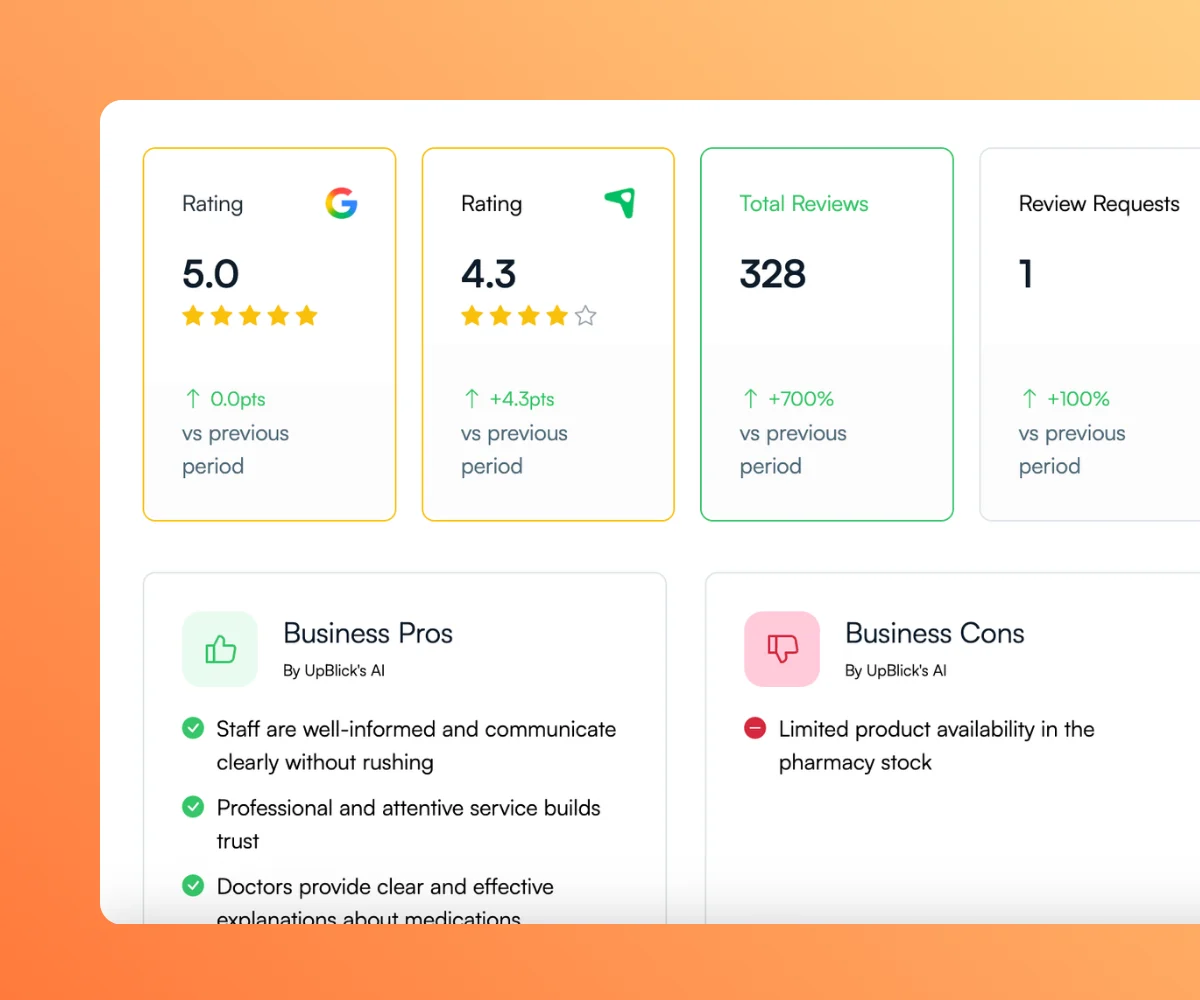
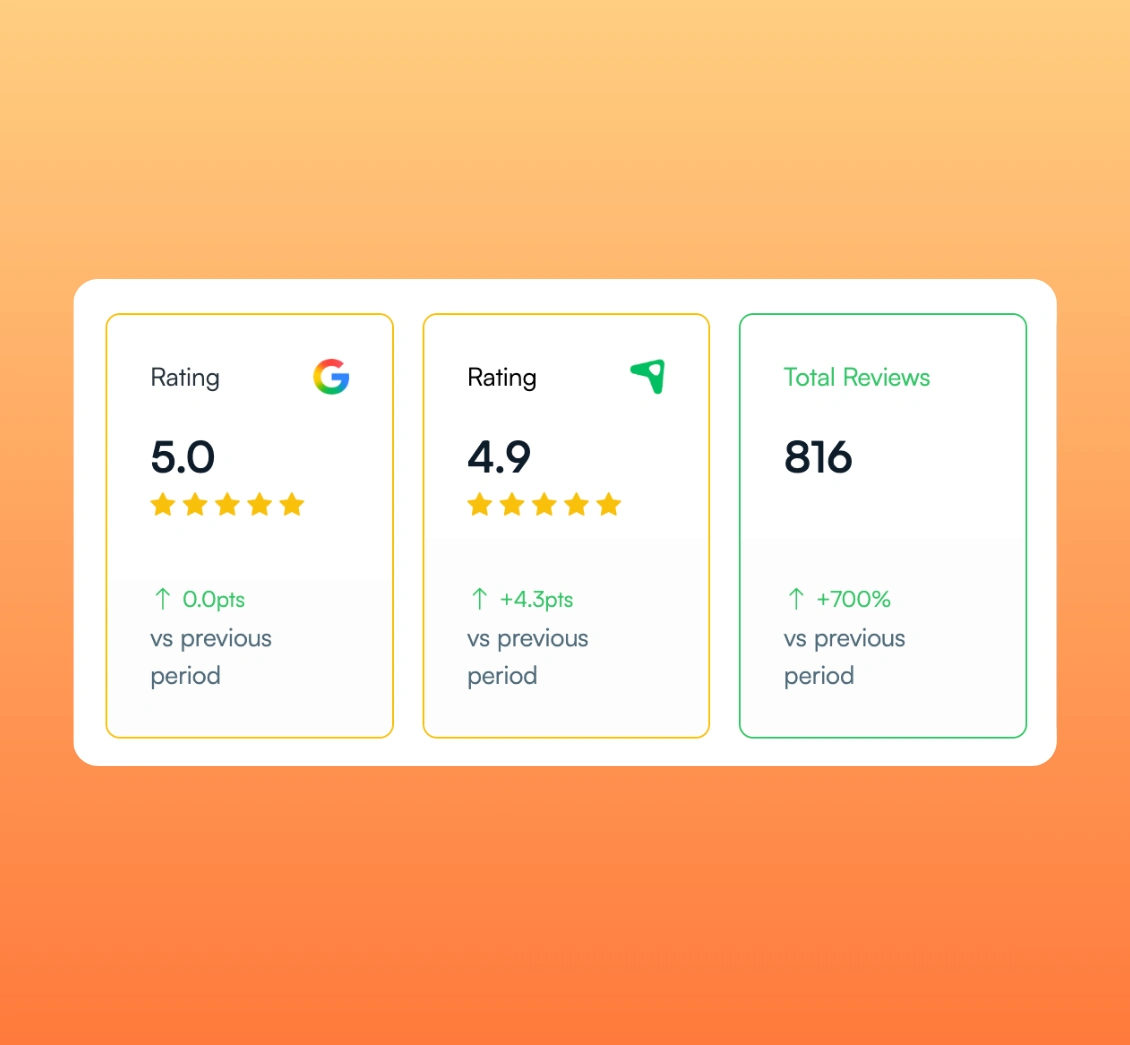
Use the location list to see each branch and open its location-specific workspace. High-level metrics include rating, review count, customer count, and review-request response rate where data is available.
Start with a clear view of every location connected to the account.
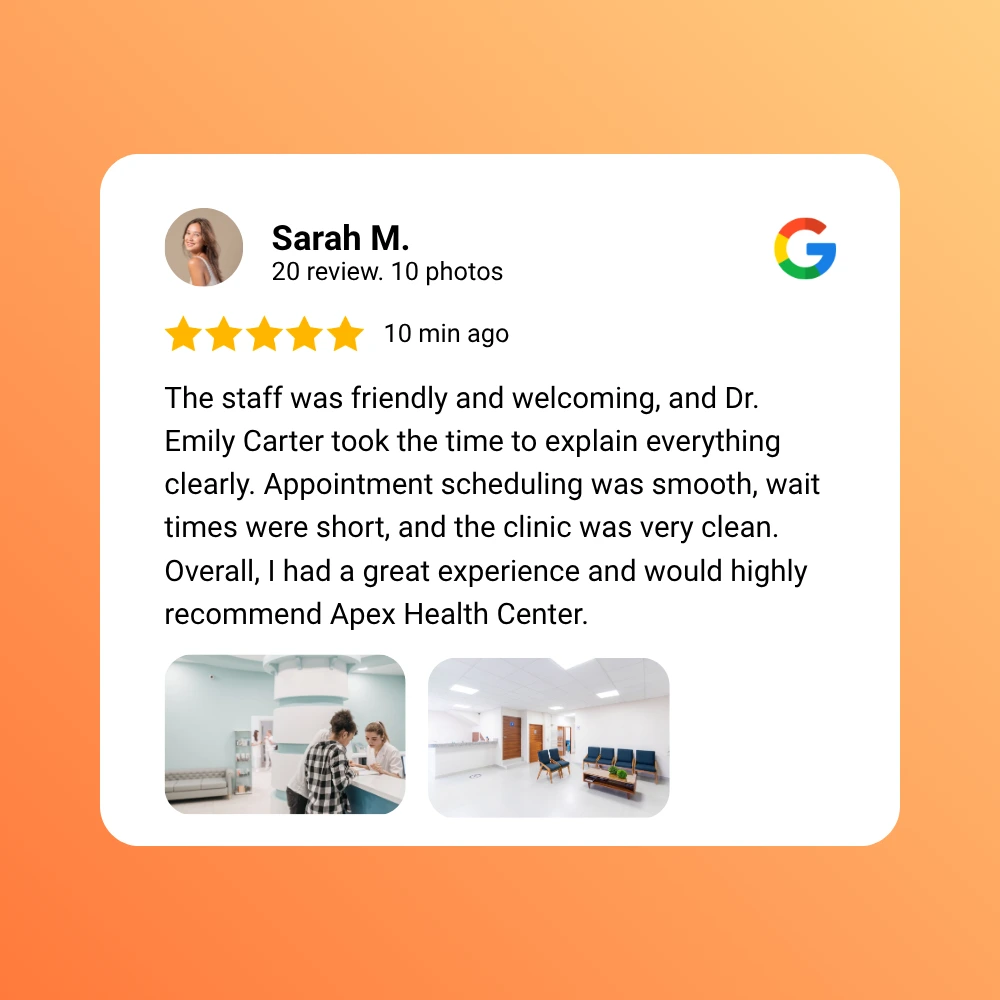
Select a location to monitor its reviews, prepare AI-assisted responses, view customer feedback, and keep follow-up work connected to the right branch.
Keep each customer interaction connected to the location where it happened.
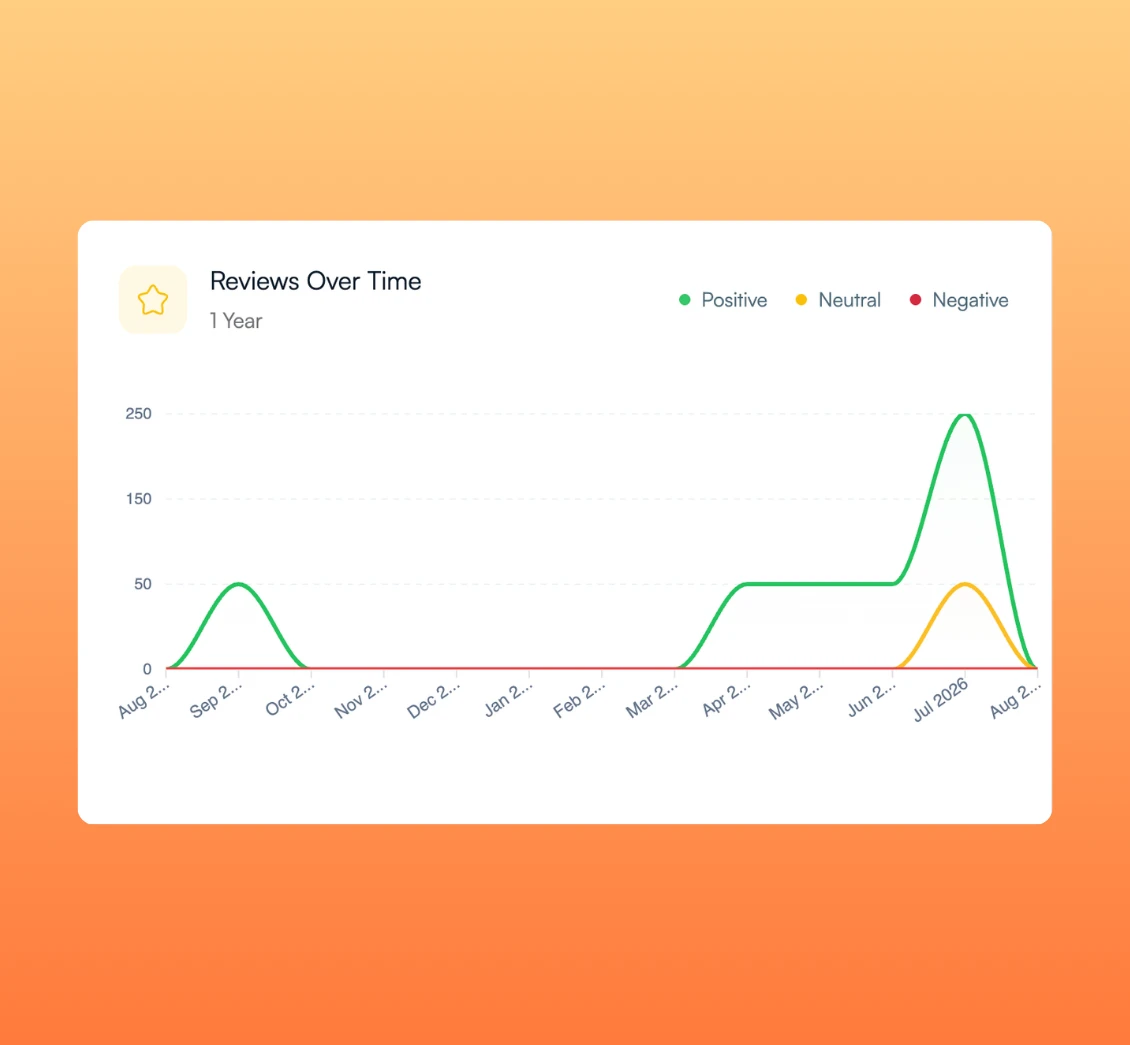
Open the analytics for a selected location to review ratings, review trends, response activity, sentiment, recurring topics, and customer feedback signals.
Use local data to decide which location needs attention next.
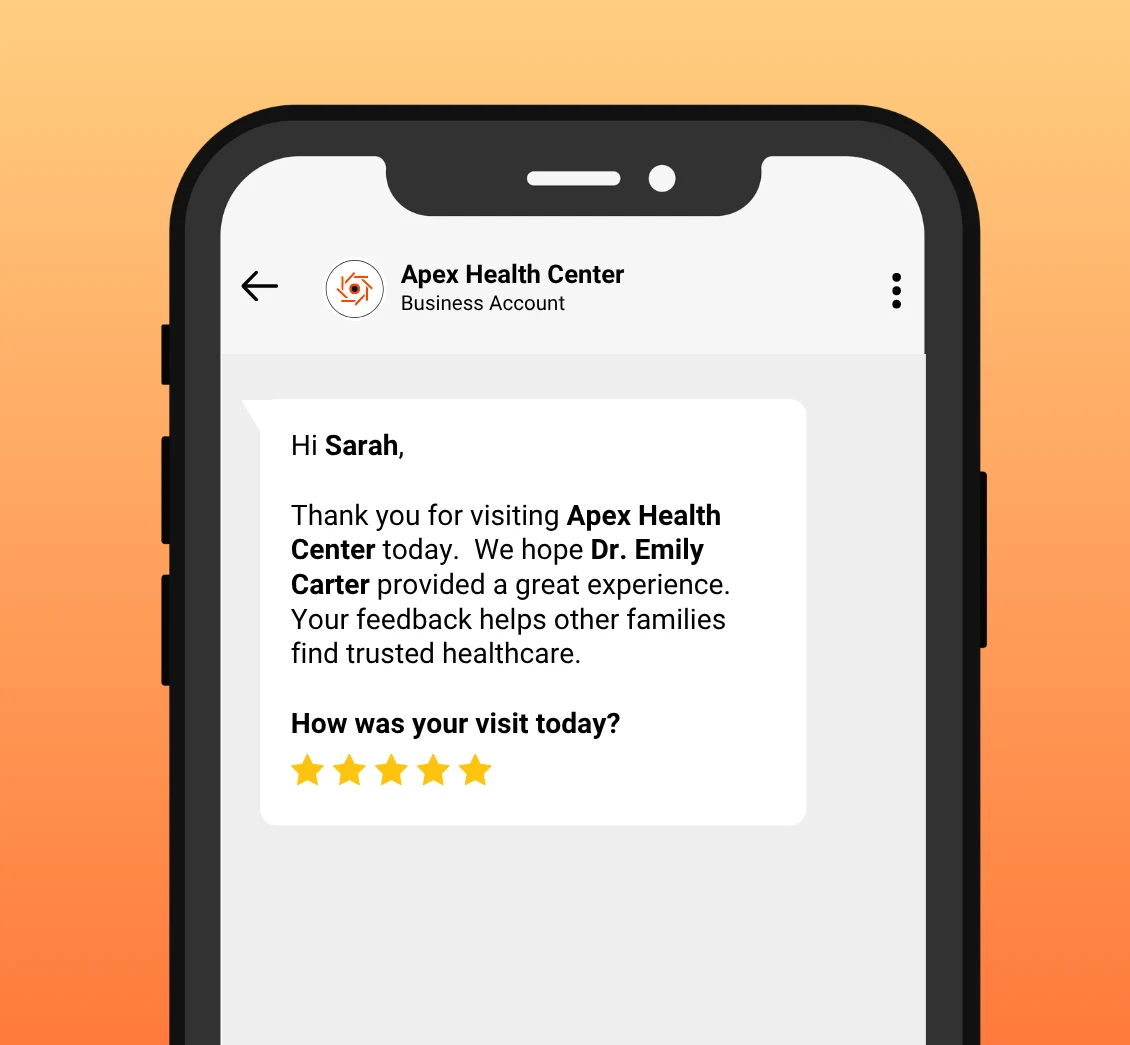
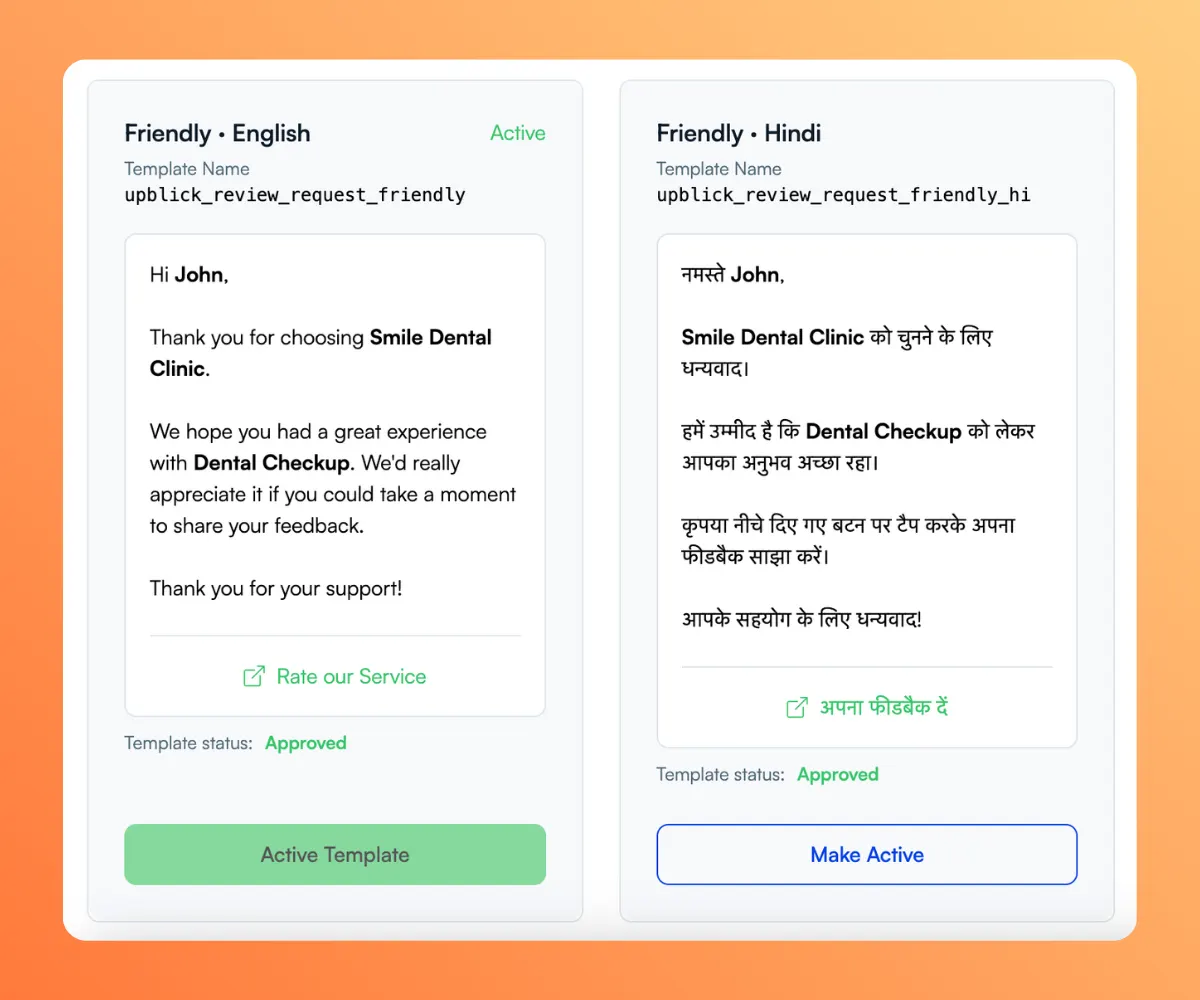
Keep customer records, review requests, communication templates, WhatsApp campaigns, and campaign reports tied to the appropriate business location.
Use a consistent process while keeping each location’s customer activity separate.
Connect locations, work within the correct location context, understand performance, and take the next appropriate action.
Create each business location and connect its Google Business Profile where applicable.
Key Actions
Select a location to view its reviews, ratings, customer feedback, and follow-up activity.
Key Actions
Use location overview metrics and the selected location’s analytics to understand trends and recurring concerns.
Key Actions
Follow up on feedback, adjust review-request workflows, or support the location that needs attention.
Key Actions
Bring locations into one account and keep reviews, feedback, analytics, customers, and engagement workflows connected to the right branch.
Use location-specific tools from a shared account while keeping multi-location review management at the center of the workflow.
See connected locations with high-level rating, review, customer, and response metrics.
Key Benefits
Know where to look before opening a location workspace.
Monitor reviews and response activity within the selected business location.
Key Benefits
Keep review work connected to the correct Google profile.
Collect and review private feedback in the context of the branch where the experience occurred.
Key Benefits
Understand why a particular location may need attention.
Review trends, sentiment, recurring topics, and response activity for the selected location.
Key Benefits
Use location data without losing its operational context.
Manage customer lists, review requests, reminders, and supported WhatsApp campaigns by location.
Key Benefits
Make customer engagement repeatable across locations.
Track nearby competitors for the selected location and compare available rating and review-count context.
Key Benefits
Understand each location within its own local market.
UpBlick reduces repeated account switching by keeping locations together while preserving the location-specific context needed for reviews, feedback, analytics, and engagement.
Teams move between unrelated profiles, records, and reporting steps whenever they need to understand another branch.
Common Tasks
Keep locations in one account, switch into the correct workspace, and use the supported tools for that selected location.
Connected Actions
UpBlick supports organizations that need a consistent review-management process while retaining clear visibility into individual locations.
Restaurant groups, clinics, dental practices, hotels, retailers, salons, gyms, and other local brands can organize reputation work by location.
Each branch keeps its own reviews, customers, analytics, campaigns, and local context.
Use the location overview to scan high-level metrics, then open a specific location to investigate reviews, feedback, or performance trends.
Review each location in its own workspace while the overview helps you decide where to look next.
Agencies can use account and location workflows to coordinate reputation work for the client locations they manage.
Keep reviews, feedback, customers, analytics, and campaigns connected to the appropriate location.
Clear answers about how UpBlick organizes location-specific reviews, feedback, analytics, and customer engagement.
Generate more reviews, strengthen your reputation, and attract more local customers with UpBlick.