AI Google Review Response Software
Create personalized, professional responses to Google Reviews with AI assistance, then review and edit each draft before publishing.
No Credit Card Required • Setup in Minutes • Built for Local Businesses
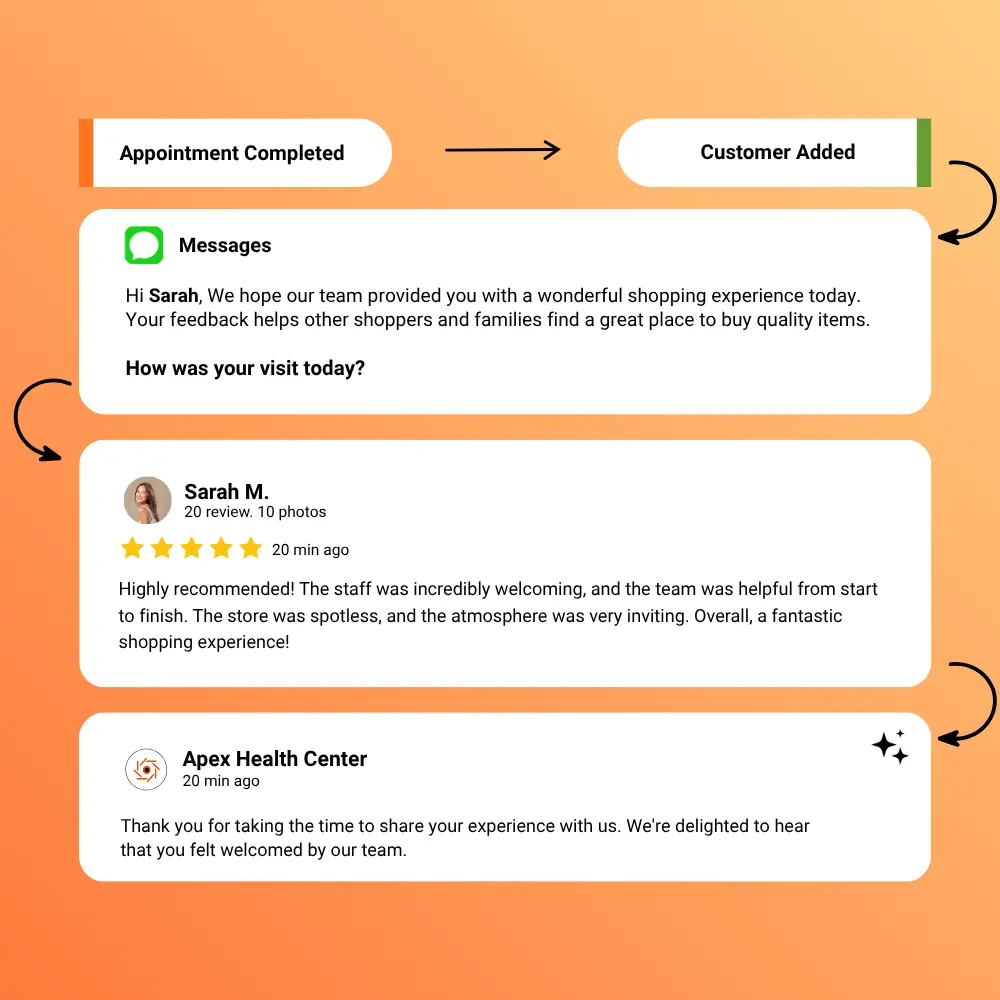
Create personalized, professional responses to Google Reviews with AI assistance, then review and edit each draft before publishing.
No Credit Card Required • Setup in Minutes • Built for Local Businesses
Reviews can arrive throughout the day, and each one deserves a response that fits the customer’s experience. UpBlick helps teams start with a useful draft without falling back on repetitive replies.
Reading every review and writing each reply from scratch can create a growing workload for busy customer-facing teams.
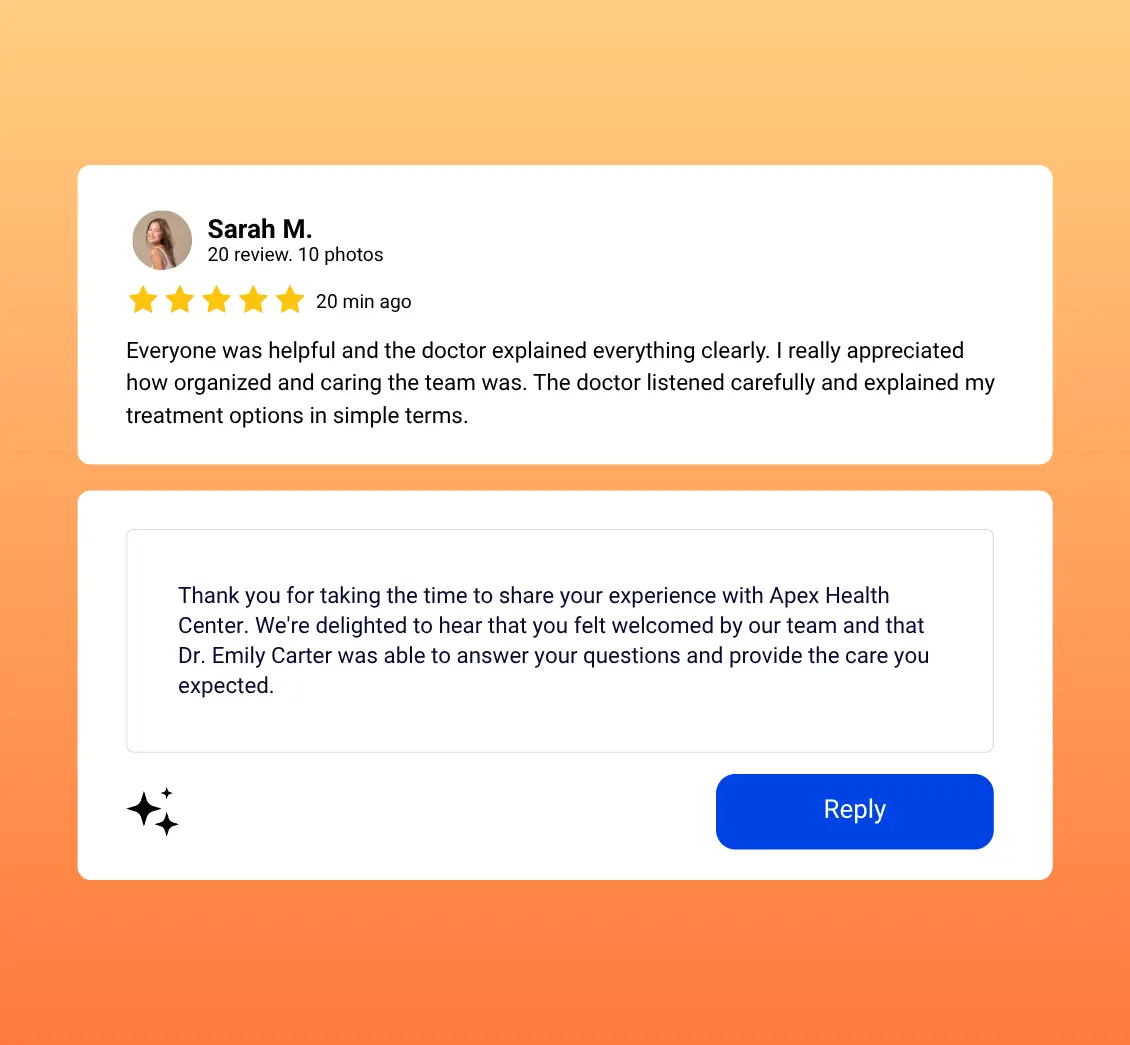
Copying the same response across reviews can overlook the customer context and make communication feel disconnected.
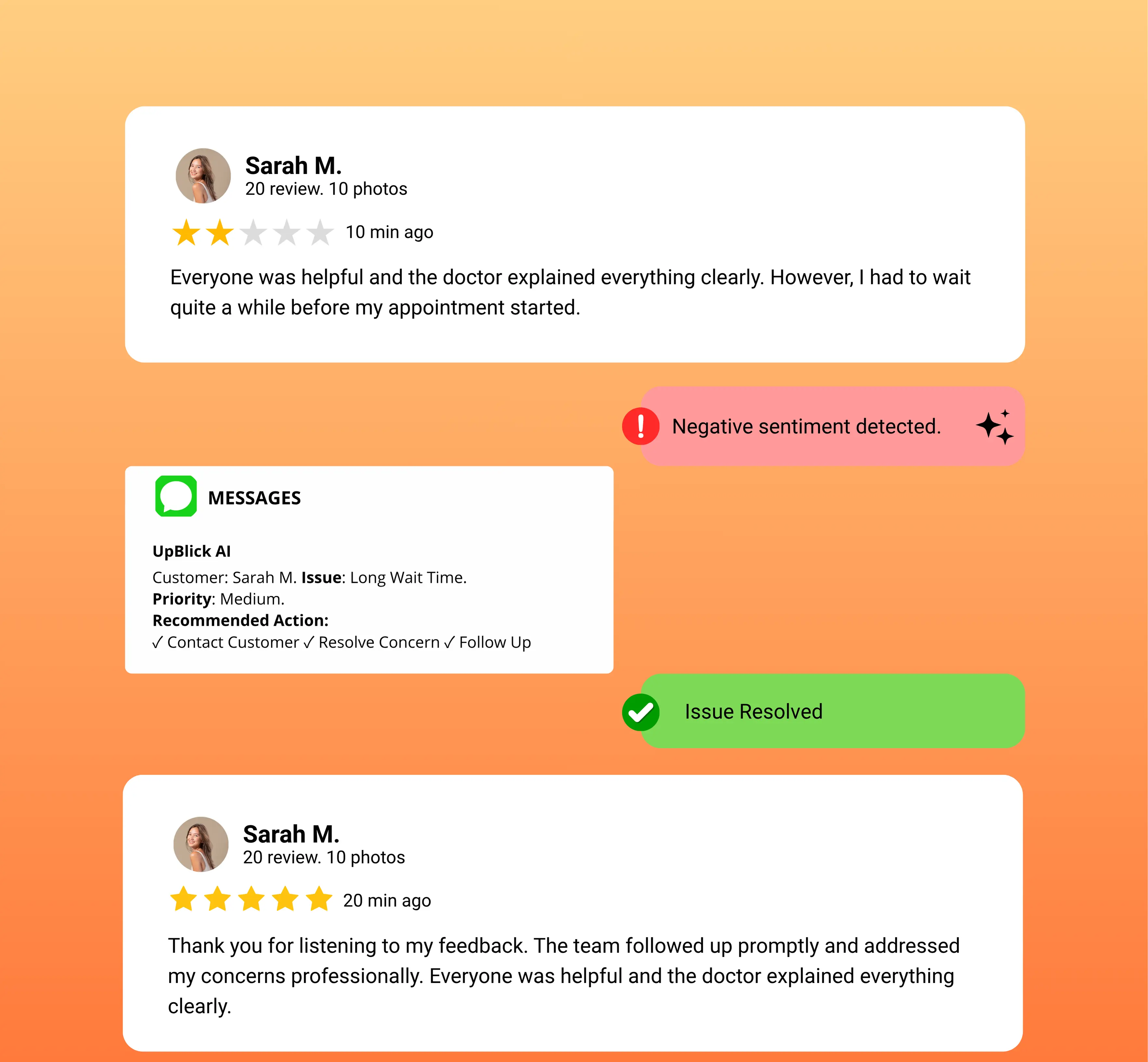
Complaints, service failures, and negative experiences require careful human review before a response is shared publicly.
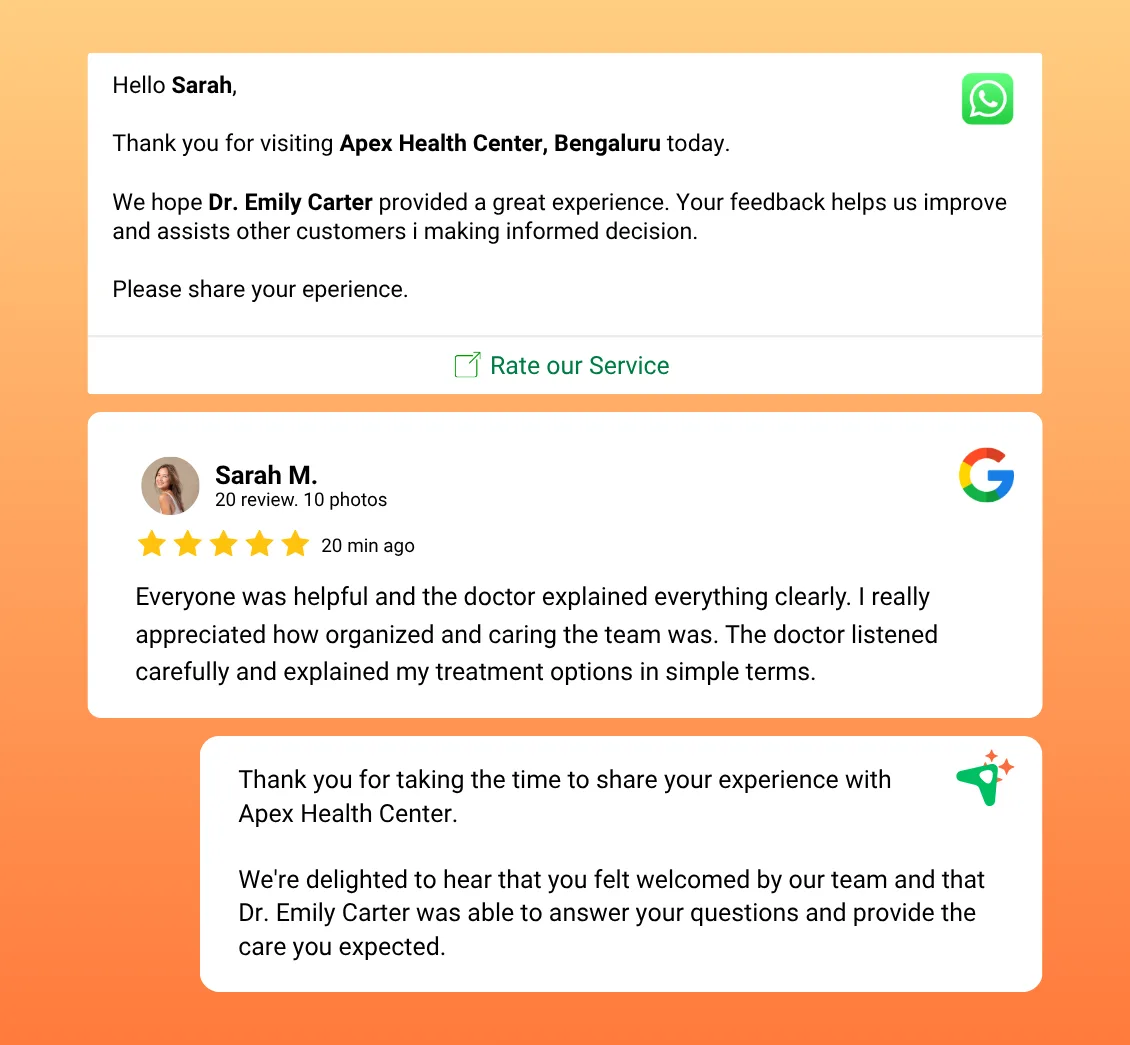
UpBlick uses the review text, rating, reviewer and business context, selected tone, and supported review language to create an editable starting point for your team.
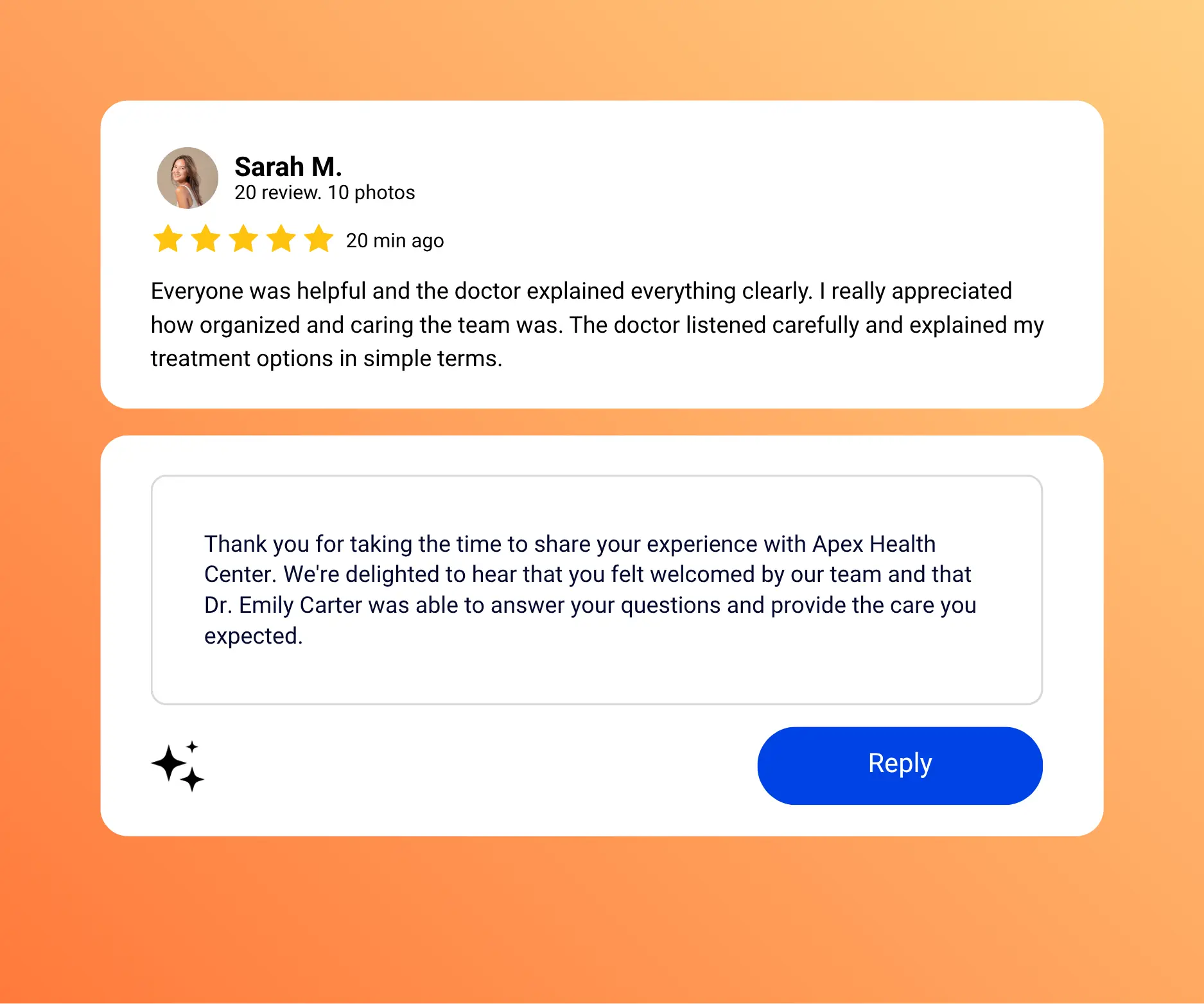
Create a relevant draft that recognizes the positive experience and gives your team room to add a personal detail before responding.
A useful draft helps appreciation sound genuine, not copied.
Generate a professional starting point that acknowledges the concern without claiming that AI can resolve the underlying customer issue.
AI can assist with wording; your team decides the appropriate response.
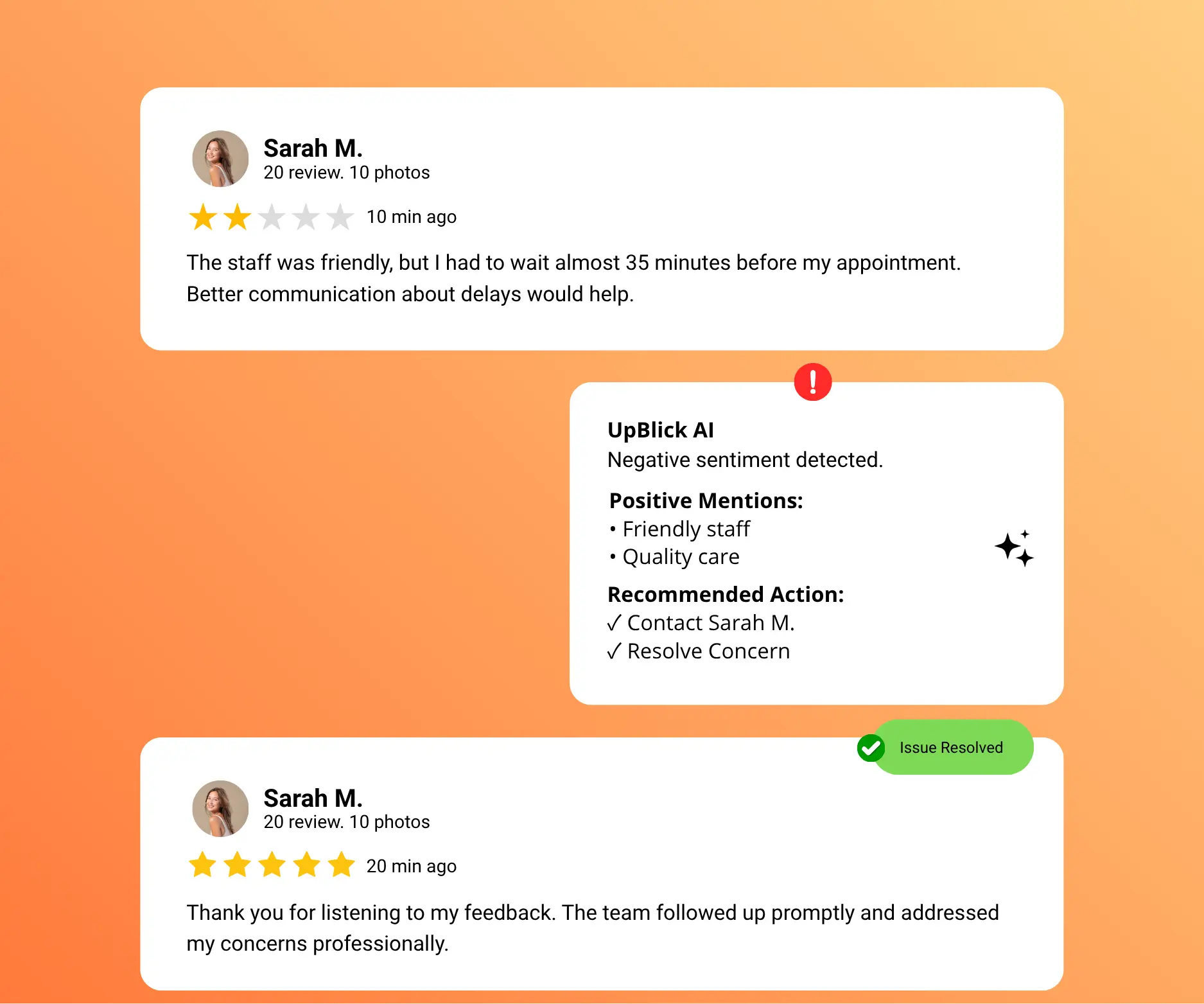
Thank the customer, recognize useful feedback, and prepare a balanced response that your team can personalize.
Mixed feedback deserves more than a generic thank-you.
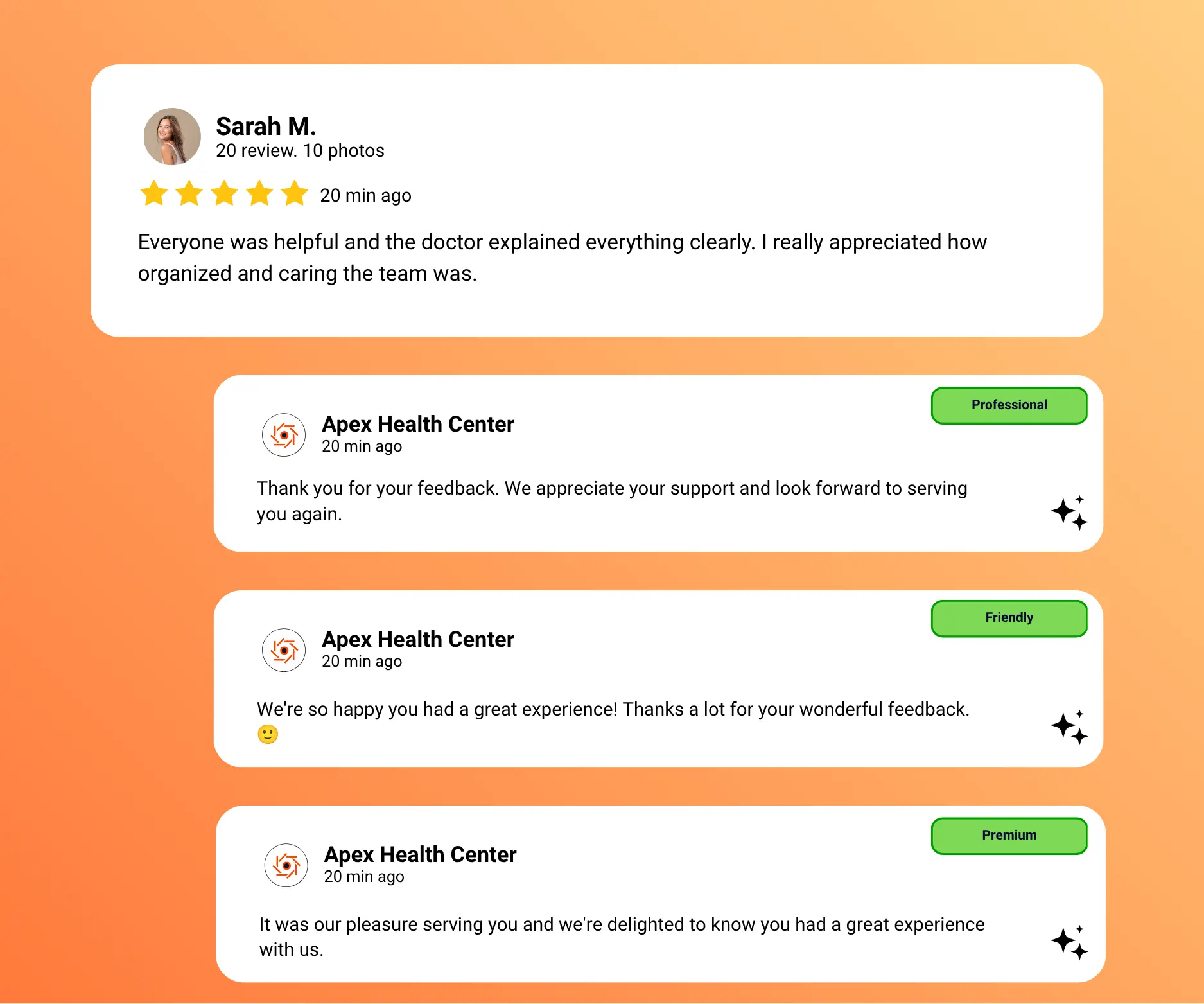
Generate drafts in a friendly, professional, or warm tone, then edit the response so it sounds right for your business and the customer situation.
Tone settings guide the draft without replacing human judgment.
Use the stored review language to prepare a response in supported languages, then verify the wording before sharing it with the customer.
Language assistance helps teams prepare replies for more customers.
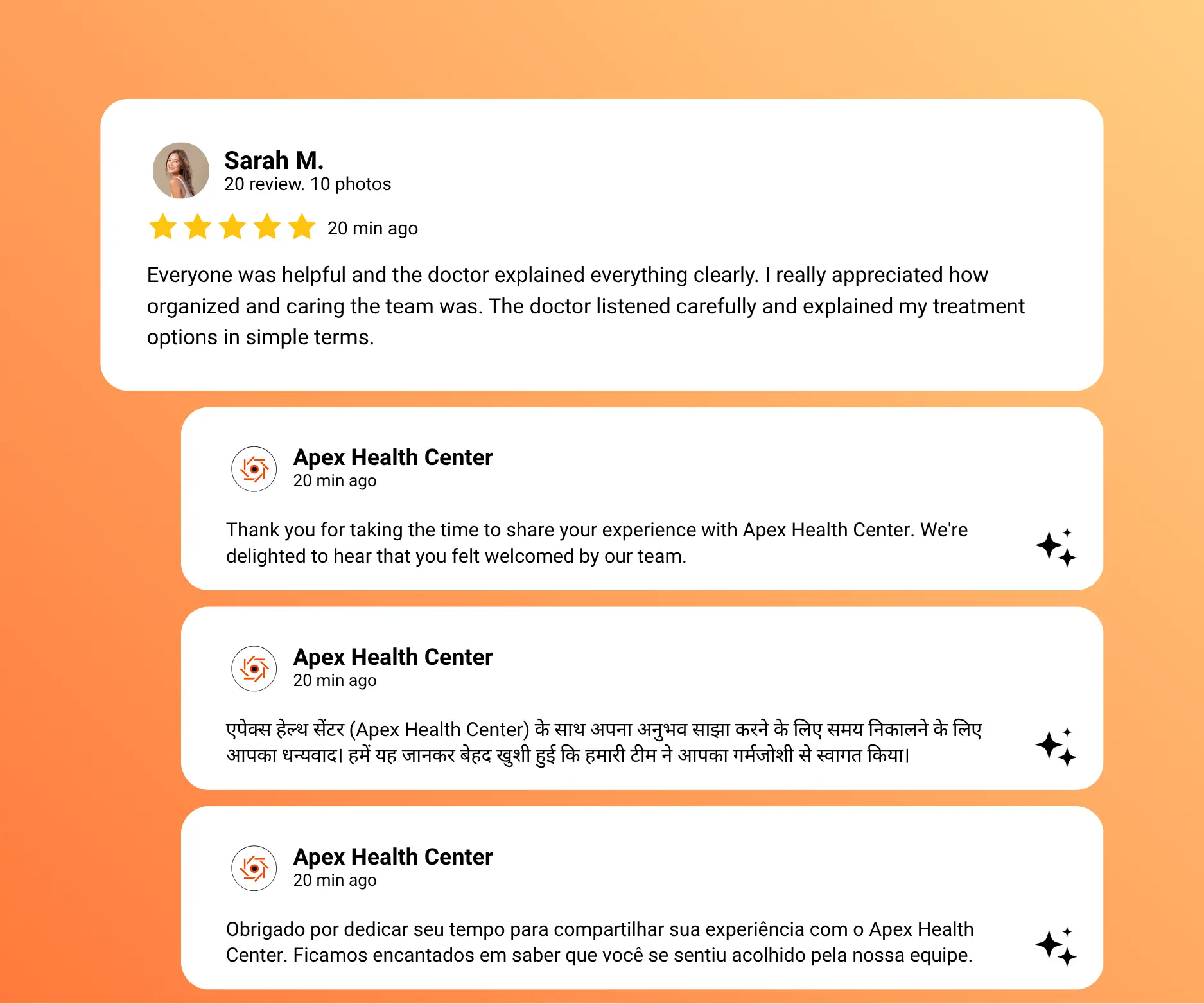
Use AI to prepare the first draft, then keep your team responsible for reviewing and finalizing the response.
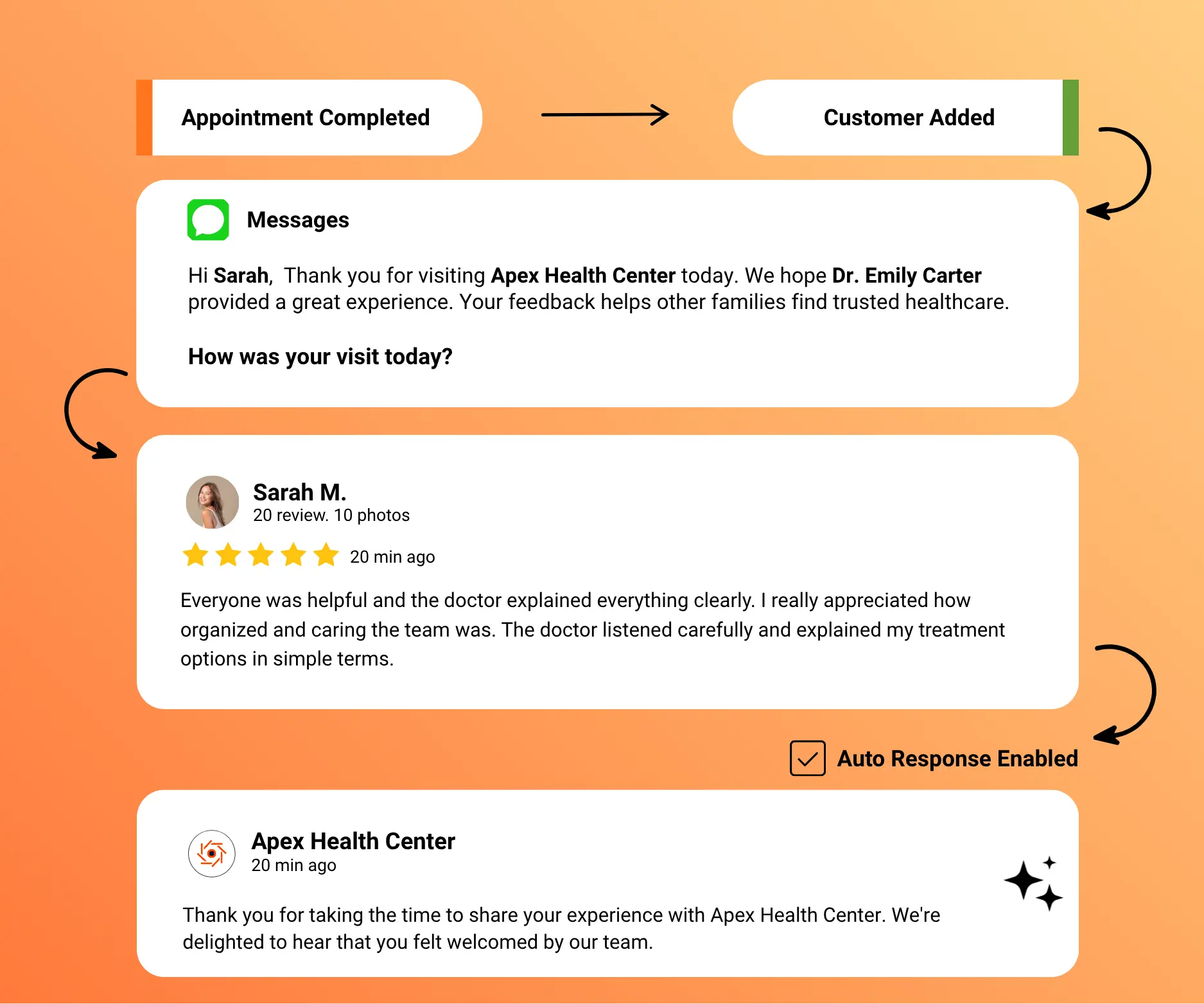
Open the customer review and understand its rating, message, and context.
What Happens
Generate an AI-assisted response based on the review and selected tone.
What Happens
Review and edit the draft so it reflects the business and the customer situation.
What Happens
Save or copy the approved response and continue to the review platform when it is ready to publish.
What Happens
If you only need to generate a response to one review, use the free AI Review Reply Generator. For ongoing review monitoring, approvals, and response history, use UpBlick’s complete workflow.
UpBlick helps teams prepare, personalize, organize, and review customer replies while preserving human oversight at every important step.
Generate a contextual response draft instead of starting with a blank page for every review.
Prepare the first version in less time.
Change any AI-generated wording before saving, copying, or sharing the response.
Nothing has to be used exactly as generated.
Choose a friendly, professional, or warm response style based on the customer conversation.
Guide the draft while preserving your own voice.
Keep saved responses organized so teams can review earlier customer communication.
Past replies stay accessible from the response workflow.
Manage reviews and response activity within each connected business location.
Keep each location focused on its own customer feedback.
Prepare editable drafts using supported review languages to help teams respond to a wider customer base.
Verify every response before sharing it publicly.
01
Read the customer review
02
Generate an assisted draft
03
Edit and approve the wording
04
Respond with human oversight
AI reduces the repetitive work of preparing a first draft while leaving the context, judgment, and final response with your team.
Starting from a blank page for each review takes time and can make response quality harder to maintain as volume grows.
Common Challenges
Generic Starting Point
Start with an editable draft based on the review, then personalize and approve the response before using it.
A More Practical Workflow
Review-Specific Drafts
Use AI to reduce repetitive writing and support consistent customer communication while keeping people responsible for sensitive or public responses.
AI prepares a useful first draft so teams can spend more time reviewing the customer context and less time writing routine openings from scratch.
Use the individual review as context, select a suitable tone, and edit the message before it reaches the customer.
Location-based review queues help teams manage pending and completed responses without mixing customer conversations.
Learn how UpBlick helps teams generate, edit, organize, and use AI-assisted responses for customer reviews.
Generate more reviews, strengthen your reputation, and attract more local customers with UpBlick.