Competitor Review Monitoring Software

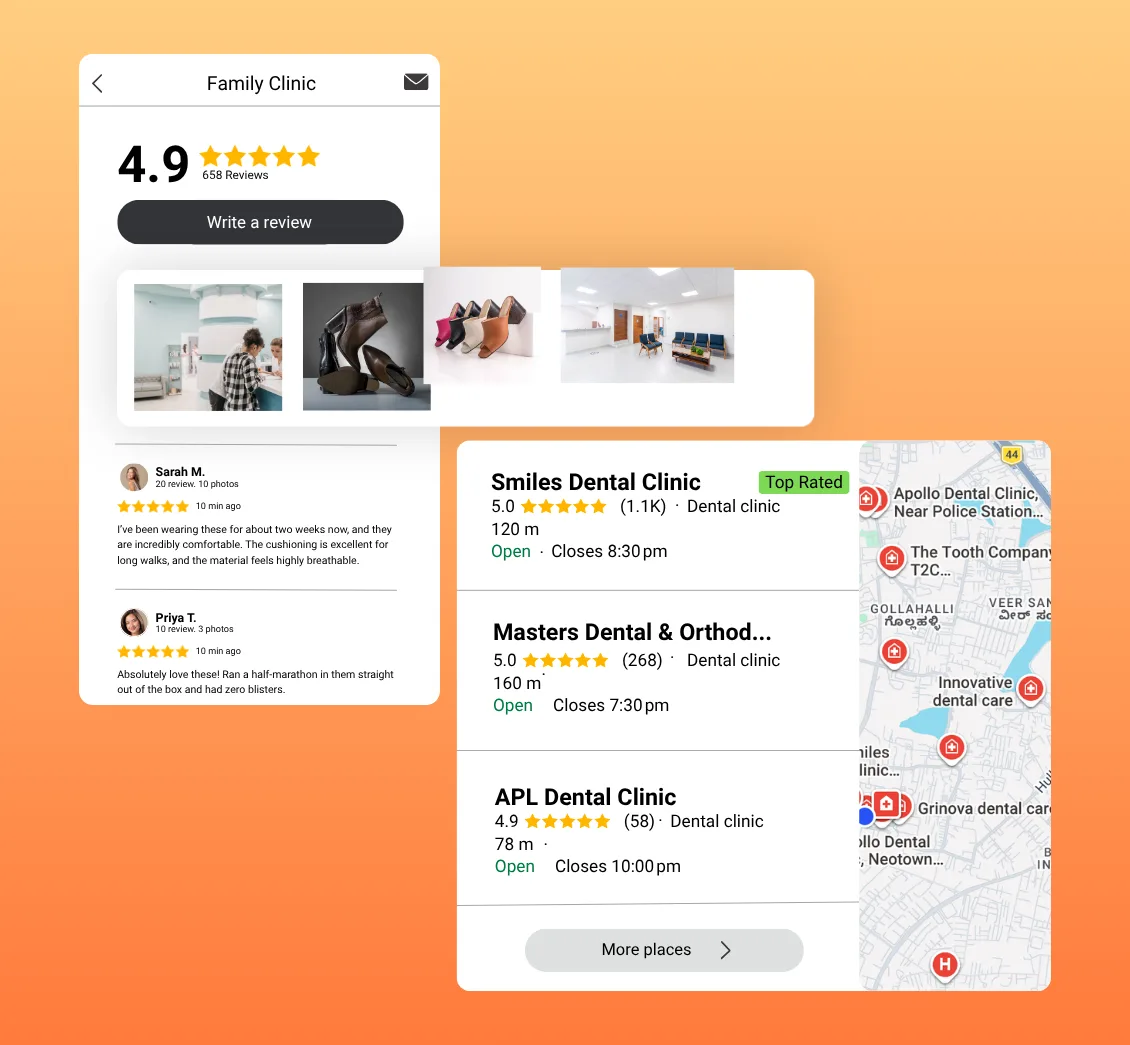
Monitor local competitors, compare Google ratings and review volume, understand reputation signals, and identify practical areas to improve with clearer local market context.

No Credit Card Required • Setup in Minutes • Built for Local Businesses
Competitor Review Monitoring Software

Why Monitor Your Competitors’ Reviews?

Your own rating tells only part of the story. Competitor review monitoring adds local context, helping you understand how your reputation compares and where customer expectations may differ.

Your Rating Needs Local Context

A strong Google rating can mean something different when nearby competitors have similar ratings but many more reviews. Compare both signals to understand your local reputation position.

Manual Tracking Is Hard to Maintain

Checking several Google Business Profiles and updating spreadsheets takes time. A centralized comparison makes competitor ratings, review counts, and reputation gaps easier to review consistently.

Competitor Signals Reveal Gaps

Differences in ratings, review volume, and sentiment indicators can show where competitors appear stronger and where your business may need closer attention.

Why Competitor Monitoring Matters

Why Monitor Your Competitors’ Reviews?

Your own rating tells only part of the story. Competitor review monitoring adds local context, helping you understand how your reputation compares and where customer expectations may differ.

A strong Google rating can mean something different when nearby competitors have similar ratings but many more reviews. Compare both signals to understand your local reputation position.

Checking several Google Business Profiles and updating spreadsheets takes time. A centralized comparison makes competitor ratings, review counts, and reputation gaps easier to review consistently.

Differences in ratings, review volume, and sentiment indicators can show where competitors appear stronger and where your business may need closer attention.

Compare Your Reputation With Local Competitors

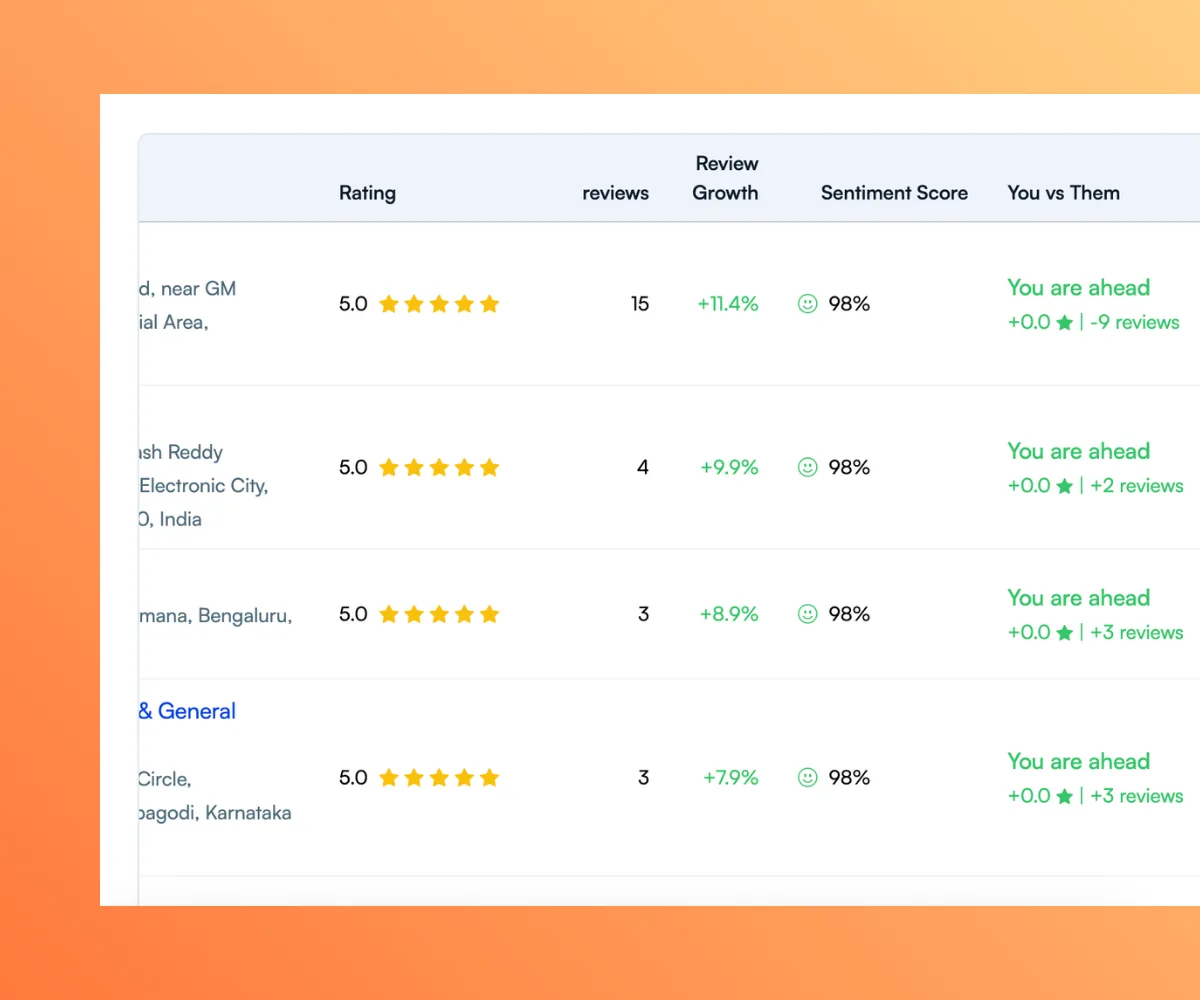
UpBlick brings selected competitors into one comparison view so you can evaluate Google ratings, review volume, review activity, and reputation indicators alongside your own business.

Compare Google Ratings Side by Side

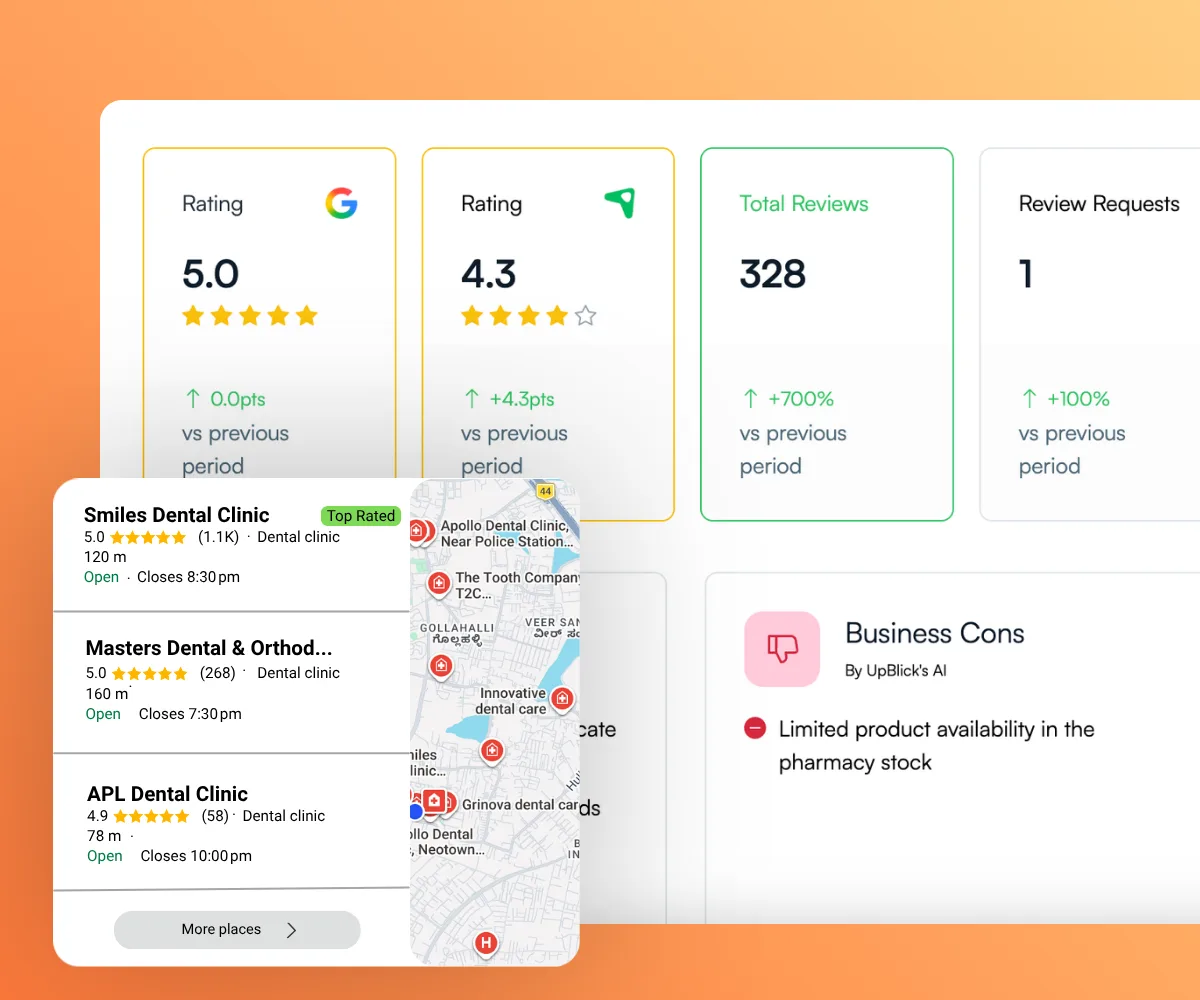
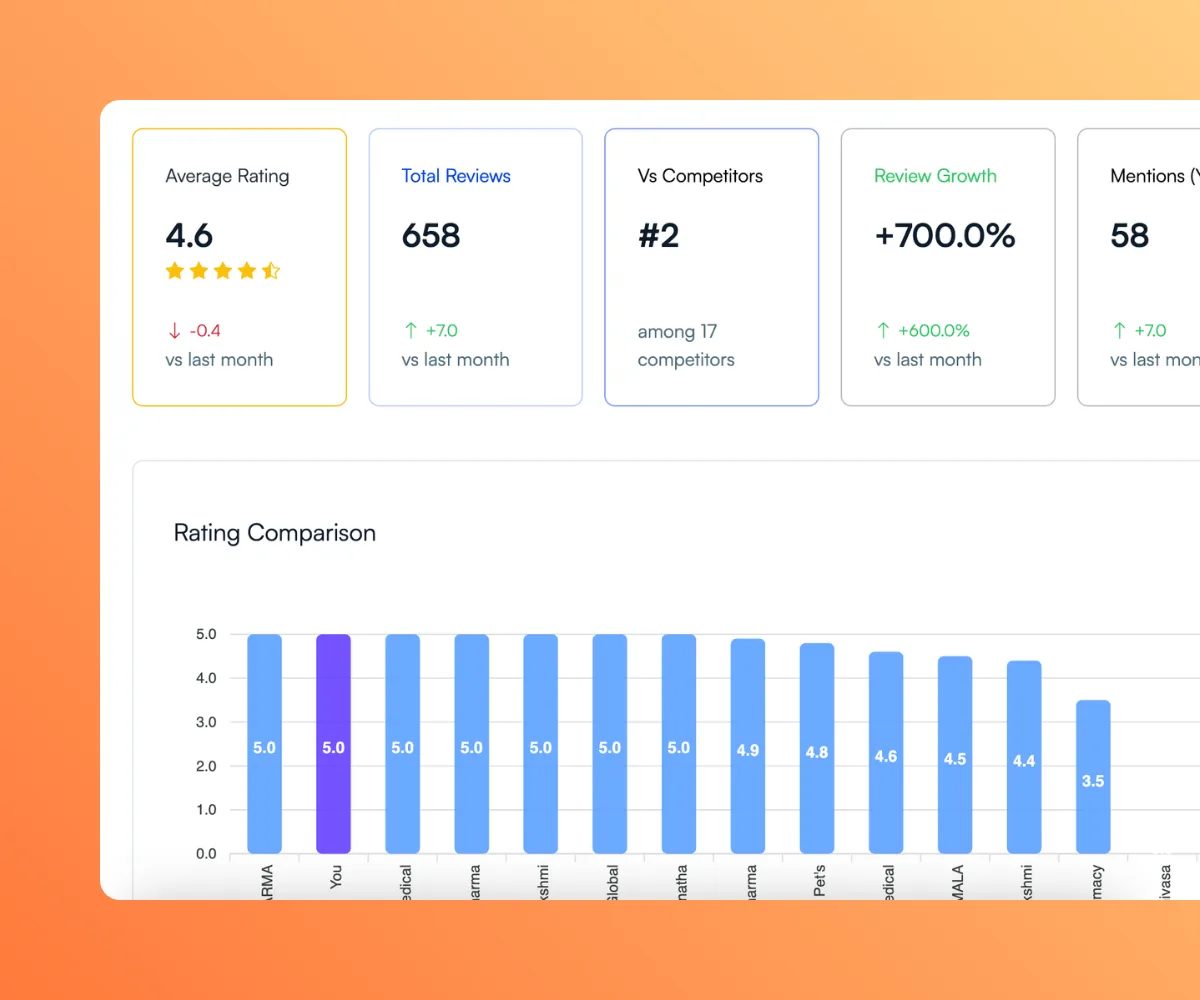
View your Google Business Profile rating beside selected local competitors to see who leads, who is close, and where a rating gap deserves attention.

What You Can Review

  • Average Google rating
  • Rating gaps between businesses
  • Local reputation position
  • Selected competitor comparisons

Understand whether your rating is leading, close, or behind locally.

Compare Google Ratings Side by Side

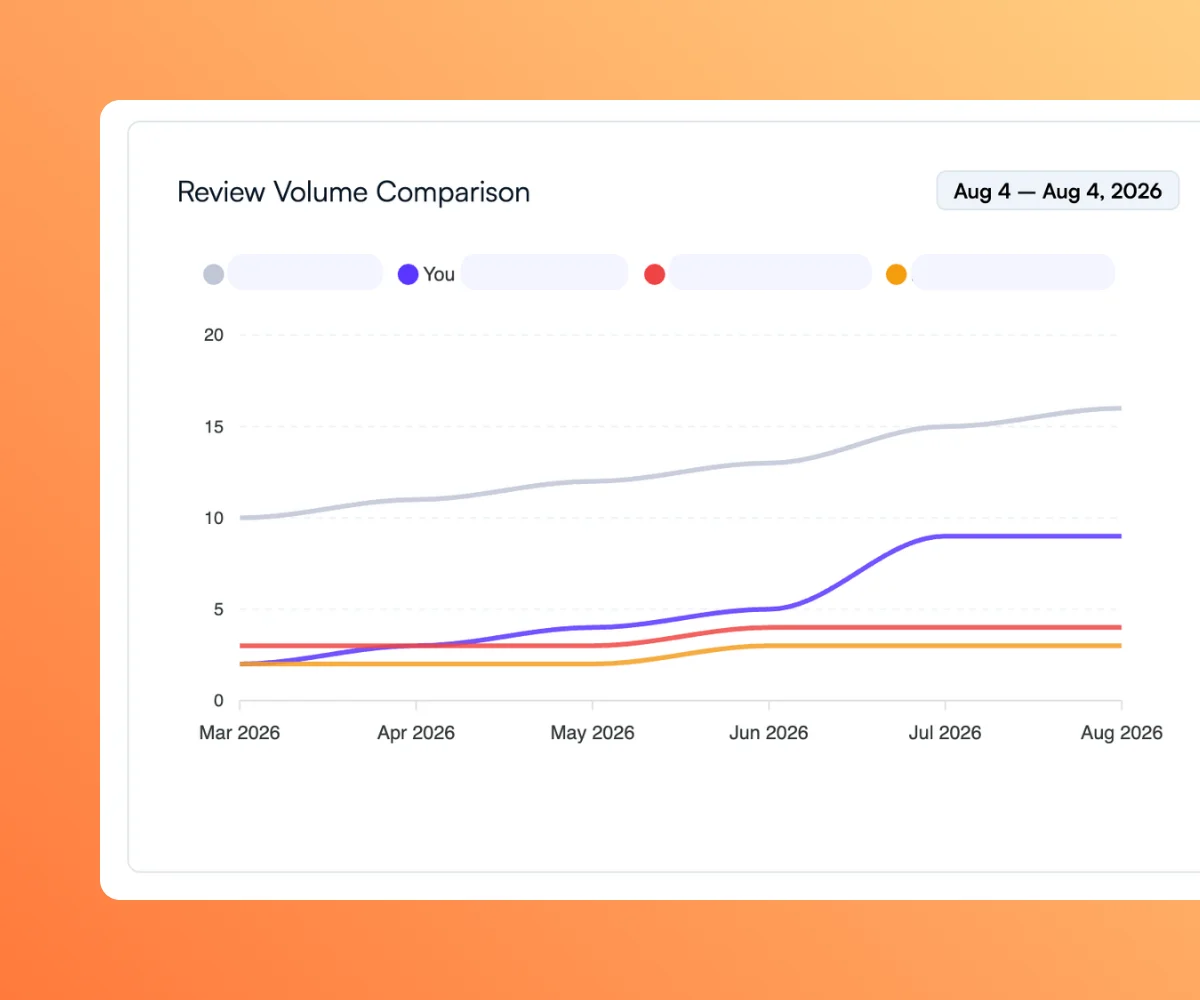
Compare Review Volume Across Businesses

Compare your total review count with selected competitors to understand differences in review presence and identify meaningful review-volume gaps.

What You Can Review

  • Total review count
  • Review-volume gaps
  • Relative review activity
  • Competitor comparison charts

See whether competitors have built a larger body of customer feedback.

Compare Review Volume Across Businesses

Review Reputation and Sentiment Indicators

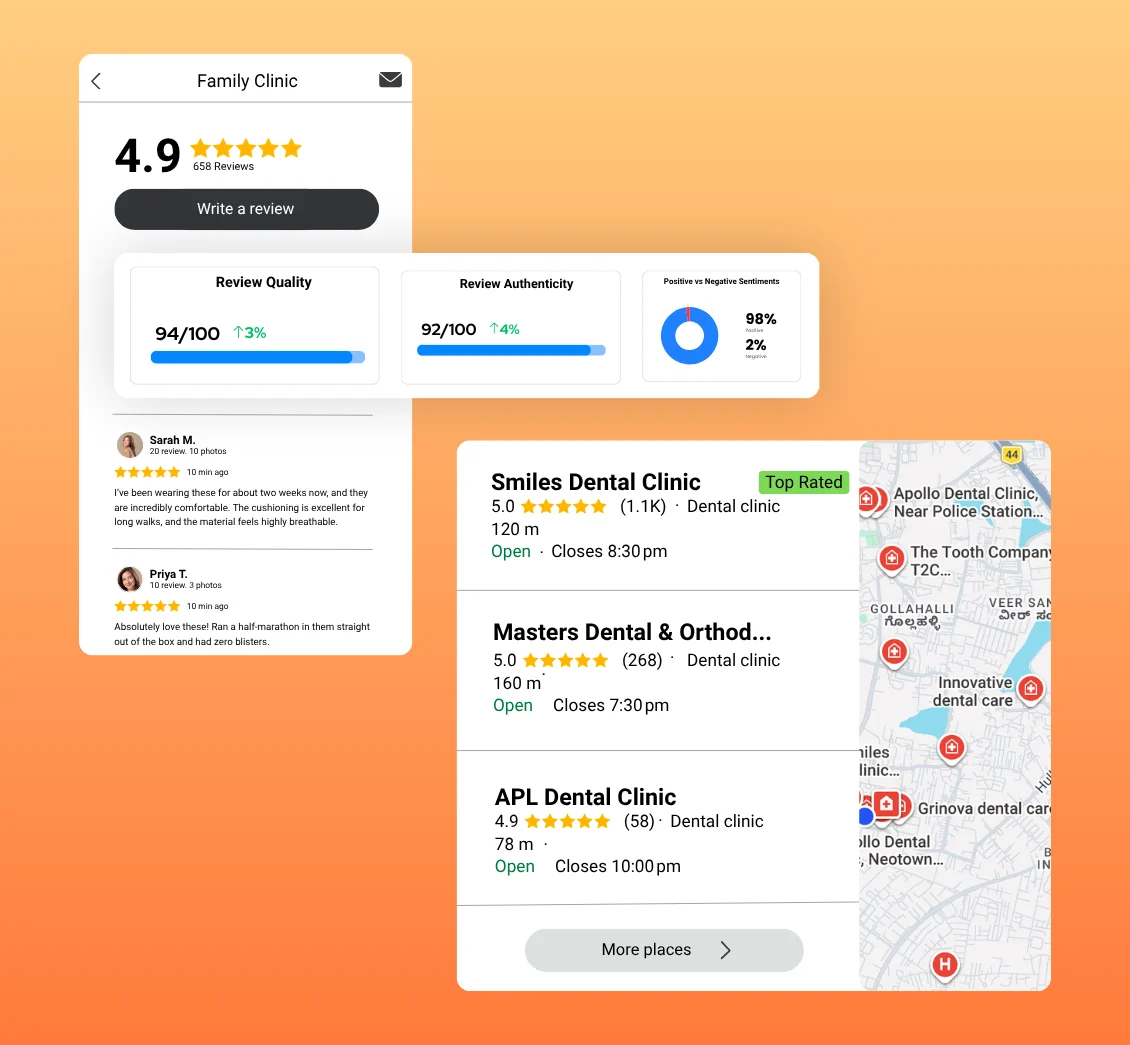
Use rating, review-volume, and sentiment indicators to examine where your reputation appears stronger or weaker than selected competitors.

What You Can Review

  • Sentiment indicators
  • Relative strengths
  • Areas needing attention
  • Reputation gaps

Treat competitor signals as prompts for investigation, not automatic conclusions.

Review Reputation and Sentiment Indicators

Review Competitor Performance in One Dashboard

Use a centralized competitor overview to compare selected businesses and keep the most useful reputation signals visible for your team.

What You Can Review

  • Competitor overview
  • Rating comparison
  • Review-volume comparison
  • Areas to investigate

Keep local reputation comparison in one practical view.

Review Competitor Performance in One Dashboard

How Competitor Tracking Works

Build a relevant competitor set, monitor public review signals, compare reputation performance, and use the findings to guide your own priorities.

Add Your
Competitors

01

Select nearby competitors or similar businesses you want to monitor. UpBlick uses public reputation and review information to build your comparison view.

Key Actions

  • Add local competitors
  • Choose relevant nearby businesses
  • Connect competitors to a location
  • Build a focused comparison set

Monitor Public
Review Signals

02

Bring competitor Google ratings and review counts into one place instead of checking each profile separately.

Key Actions

  • Monitor Google ratings
  • Review competitor volume
  • Check reputation indicators
  • Keep comparisons centralized

Compare Reputation
Performance

03

Compare your rating, review volume, and reputation indicators with selected competitors to understand relative strengths and gaps.

Key Actions

  • Review rating gaps
  • Compare review counts
  • Examine sentiment indicators
  • Identify locations needing attention

Use Insights to
Improve

04

Use competitor insights to decide what to investigate in your review process, customer experience, and reputation management workflow.

Key Actions

  • Prioritize reputation gaps
  • Review customer feedback
  • Improve review-request consistency
  • Monitor your own progress

Understand Your Local Reputation Position

Compare your business with selected local competitors and use clearer reputation context to decide what deserves attention.

  • Compare Google Ratings
  • Review Competitor Volume
  • Identify Reputation Gaps
  • Use Location-Level Context

What You Can Compare

Use competitor review tracking to compare the public reputation signals that help local businesses understand their relative position.

Google Ratings

Compare average Google ratings across your business and selected local competitors.

Key Benefits

  • Average rating comparison
  • Rating-gap visibility
  • Local reputation context

Understand your reputation position with clearer context.

Review Volume

See how your review count compares with competitors and identify meaningful volume differences.

Key Benefits

  • Review-count comparison
  • Volume-gap visibility
  • Relative review presence

Review-volume differences provide useful competitive context.

Review Activity

Use review activity indicators to understand which competitors appear to be building review momentum.

Key Benefits

  • Review activity indicators
  • Relative momentum
  • Competitor monitoring

Use activity signals to decide where closer monitoring is useful.

Sentiment Indicators

Compare sentiment indicators alongside ratings and review volume for another view of reputation performance.

Key Benefits

  • Sentiment comparison
  • Reputation context
  • Areas needing review

Use sentiment as one signal within a broader reputation comparison.

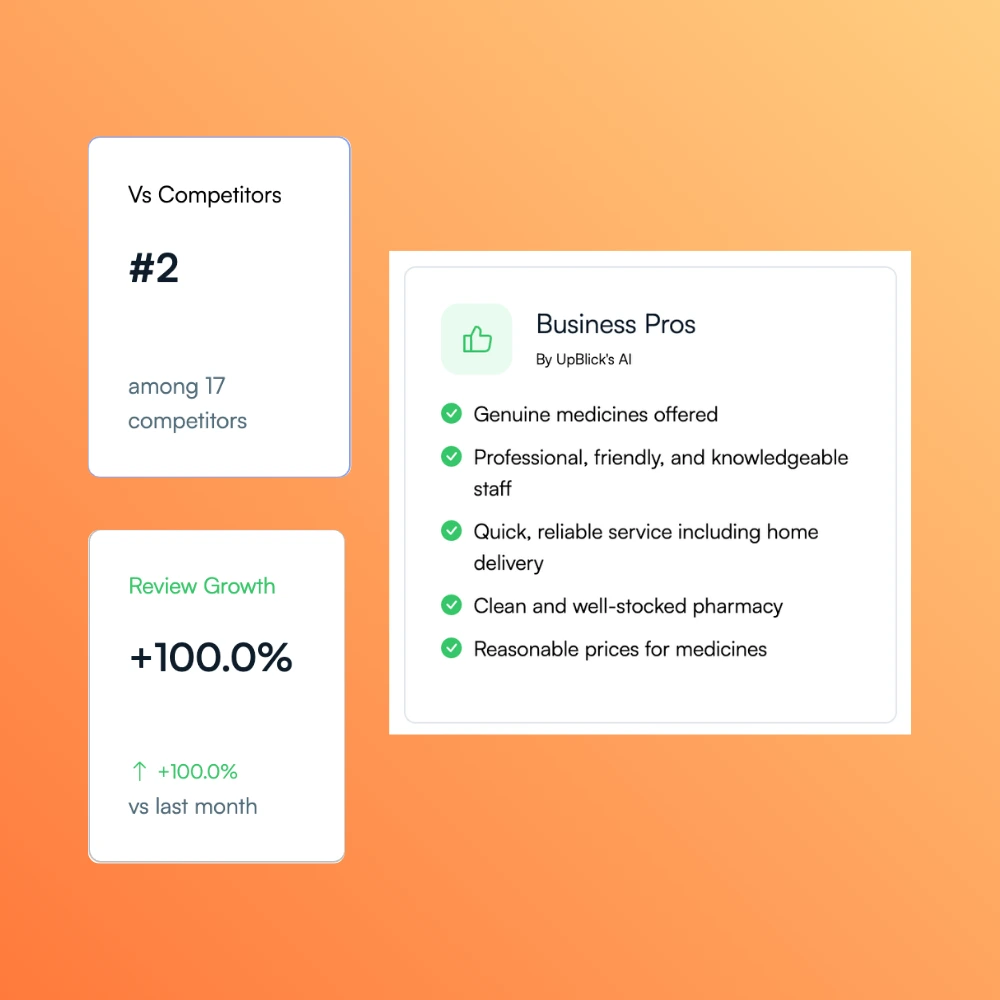
Reputation Position

Review how your business ranks within the selected comparison set based on visible reputation signals.

Key Benefits

  • Selected-market position
  • Relative strengths and gaps
  • Centralized comparison

Understand where your business stands among the competitors you monitor.

Location-Level Comparisons

For businesses with multiple locations, review a relevant competitor set for each connected business location.

Key Benefits

  • Local competitor sets
  • Location-specific context
  • Branch-level reputation gaps

Compare each location within its own local market.

Manual Competitor Tracking vs UpBlick

Compare the effort of checking competitors manually with a centralized view designed for local reputation benchmarking.

Manual Competitor Tracking

Teams check separate Google Business Profiles, copy figures into spreadsheets, and repeat the process whenever they want an updated comparison.

Common Challenges

  • Separate profile checks
  • Repeated spreadsheet updates
  • Inconsistent monitoring
  • Limited shared visibility
  • Harder location comparisons
  • More time spent collecting data

Typical Workflow

  • Open each competitor profile
  • Record ratings and review counts
  • Update a spreadsheet
  • Calculate differences manually
  • Repeat for every location

Centralized Monitoring With UpBlick

Keep selected competitors, ratings, review counts, comparison indicators, and location context together in one dashboard.

Key Advantages

  • Benchmark ratings and reviews
  • Compare review volume
  • Review sentiment indicators
  • Use location-level context
  • Identify reputation gaps
  • Support evidence-based decisions

Typical Workflow

  • Choose relevant competitors
  • Review one comparison dashboard
  • Examine strengths and gaps
  • Choose an improvement priority
  • Measure your own results

Turn Competitive Insights Into Action

Reputation benchmarking helps local businesses interpret their own results, investigate meaningful gaps, and connect competitor context with review and feedback decisions.

Ask Better Reputation Questions

Are nearby competitors rated higher? Do they have substantially more reviews? Is your location ahead on one signal but behind on another?

A direct comparison helps owners and managers ask more useful questions about their own reputation performance.

Choose What to Investigate

A rating gap may point to customer-experience questions. A review-volume gap may point to an inconsistent review-request process. Sentiment indicators can highlight where closer review is useful.

Competitor data provides direction; your own customer feedback and review analytics help explain what to improve.

Keep Reputation Work Connected

Use competitor monitoring alongside your own review management, customer feedback, and analytics instead of treating market context as a separate spreadsheet exercise.

UpBlick connects the comparison with the reputation workflows your team already needs to manage.

Competitor Review Monitoring Questions, Answered

Learn how UpBlick helps local businesses compare public Google review signals and add context to their reputation decisions.

Competitor review monitoring helps a business compare public review signals such as Google ratings, review volume, activity indicators, and reputation position with selected competitors.

Add relevant competitors to a business location, then use the competitor dashboard to compare ratings, review counts, reputation indicators, and relative gaps with your own business.

UpBlick focuses on publicly available Google reputation information, including average ratings, review counts, comparison gaps, review activity indicators, and sentiment indicators.

Yes. The number of competitors depends on your plan. Growth supports up to 5 competitors, Pro up to 20, and Agency up to 100.

Yes. UpBlick provides review activity and comparison indicators that help you see which selected competitors appear to be building stronger review momentum.

Competitor insights add context to your own results. They can help you identify rating or review-volume gaps, decide what needs investigation, and set more relevant reputation priorities.

UpBlick does not guarantee search rankings. Competitor monitoring helps you understand local reputation signals and make better-informed decisions about customer experience, review collection, and reputation management.

Yes. Competitors are connected to a business location, allowing multi-location teams to build a relevant comparison set for each local market.

It can be useful when customers compare several nearby businesses. Small businesses can use reputation benchmarking to understand rating and review-volume gaps without maintaining a separate spreadsheet.

Reputation benchmarking compares your public review performance with relevant local competitors. It helps explain whether your rating, review volume, and other reputation signals are stronger, similar, or behind within the selected market.

Ready to Turn Customer Feedback Into Business Growth?

Generate more reviews, strengthen your reputation, and attract more local customers with UpBlick.

  • Generate More Reviews
  • Respond Faster
  • Improve Local Visibility
  • Build More Customer Trust