How can I respond to an unhappy customer?
Issues & Negative Feedback
A thoughtful response can help an unhappy customer feel heard and can give your business the information it needs to improve. Start by understanding the feedback instead of replying immediately.
Before you respond
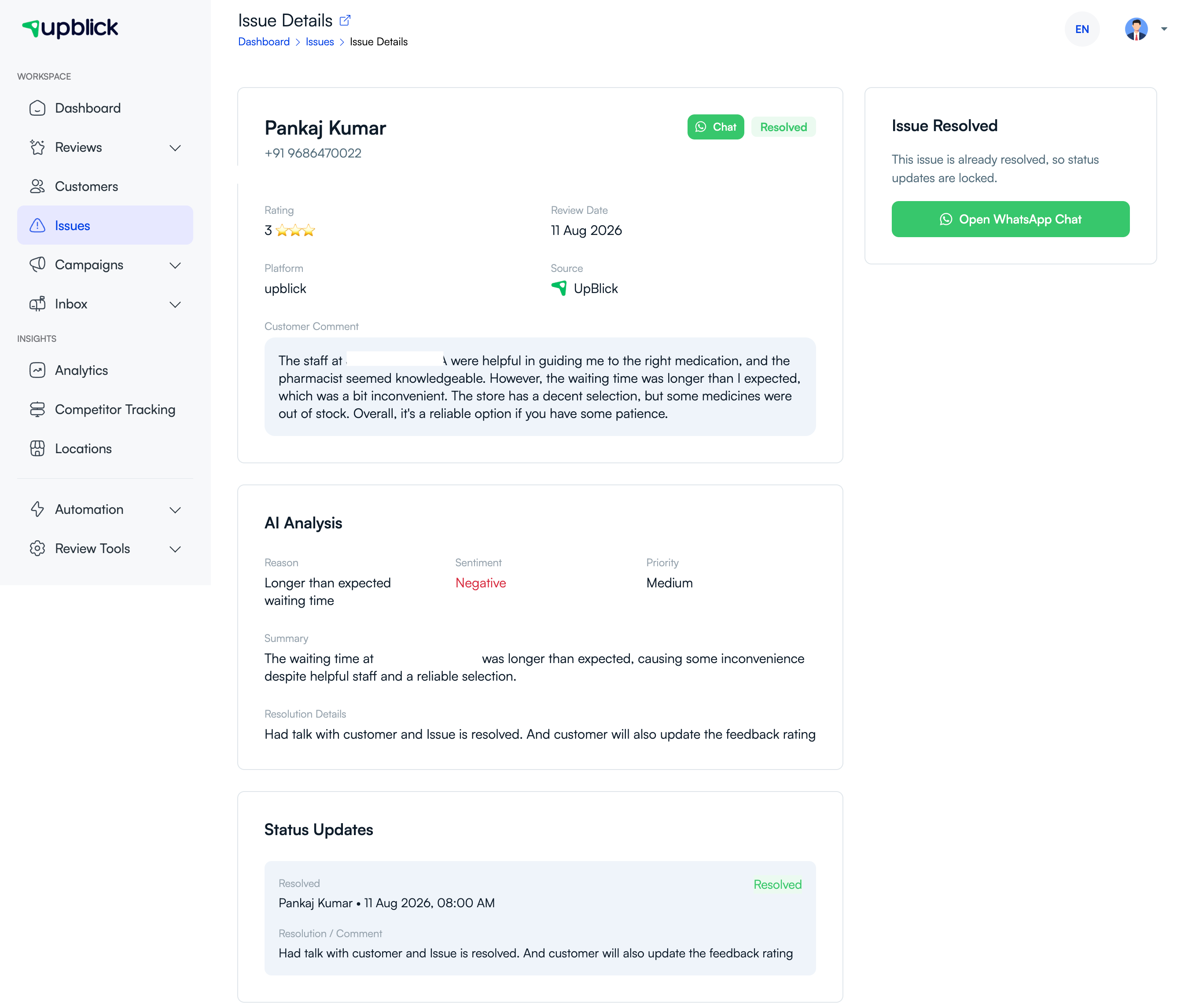
- Read the full comment and check the rating, date, and source.
- Review the AI analysis and issue history, but confirm the facts yourself.
- Check whether the customer has a phone number or WhatsApp number for a private follow-up.
- Decide whether a public reply, a private conversation, or both are appropriate.
Write a helpful response
A good response is calm, specific, and respectful. Thank the customer for raising the concern, acknowledge the experience, apologise when appropriate, and explain the next practical step.
- Do not argue or blame the customer.
- Do not share private order, treatment, payment, or contact details publicly.
- Do not promise an outcome you cannot deliver.
- Invite the customer to continue the conversation privately when their details are available.
Use the customer conversation
When an issue has a WhatsApp number, use Chat or Open WhatsApp Chat from the issue details to continue the conversation. Keep the communication focused on understanding the problem and agreeing on a realistic next step.
Use AI drafts carefully
AI can help you start a response, but it should not replace your judgement. Review every draft for accuracy, remove generic language, and make sure it reflects the action your business can actually take.
Related Articles
Turn every customer touchpoint into review growth
Use UpBlick to collect feedback, request Google reviews, recover bad experiences, and understand customer sentiment.
Need help with UpBlick?
Use these guides to set up review collection, customers, WhatsApp automation, issue recovery, and reporting.
Start growing reviews with UpBlick