How to Pause or Resume a Campaign?
Campaigns & Marketing
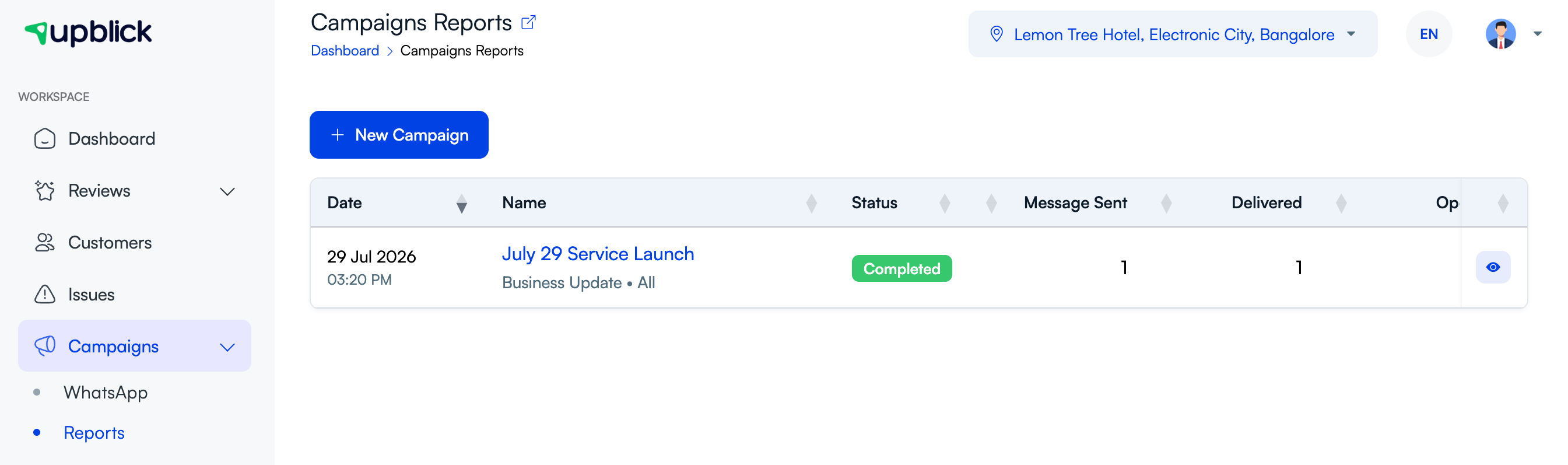
Pause a campaign when you need to hold communication before it continues. Resume it only after the audience, message, timing, and consent still look correct.
When to pause
- The audience was selected incorrectly.
- The message content needs correction.
- The timing is no longer appropriate.
- You need to verify consent or contact details.
Before resuming
Check the campaign details, recipient count, and current status. If the message has become outdated, create a corrected campaign instead of resuming the old one.
Related Articles
Turn every customer touchpoint into review growth
Use UpBlick to collect feedback, request Google reviews, recover bad experiences, and understand customer sentiment.
Need help with UpBlick?
Use these guides to set up review collection, customers, WhatsApp automation, issue recovery, and reporting.
Start growing reviews with UpBlick