How to Delete a Campaign?
Campaigns & Marketing
Delete a campaign only when you are sure it is no longer needed. Deleting may remove the campaign from your working list, but it may not undo messages that were already sent.
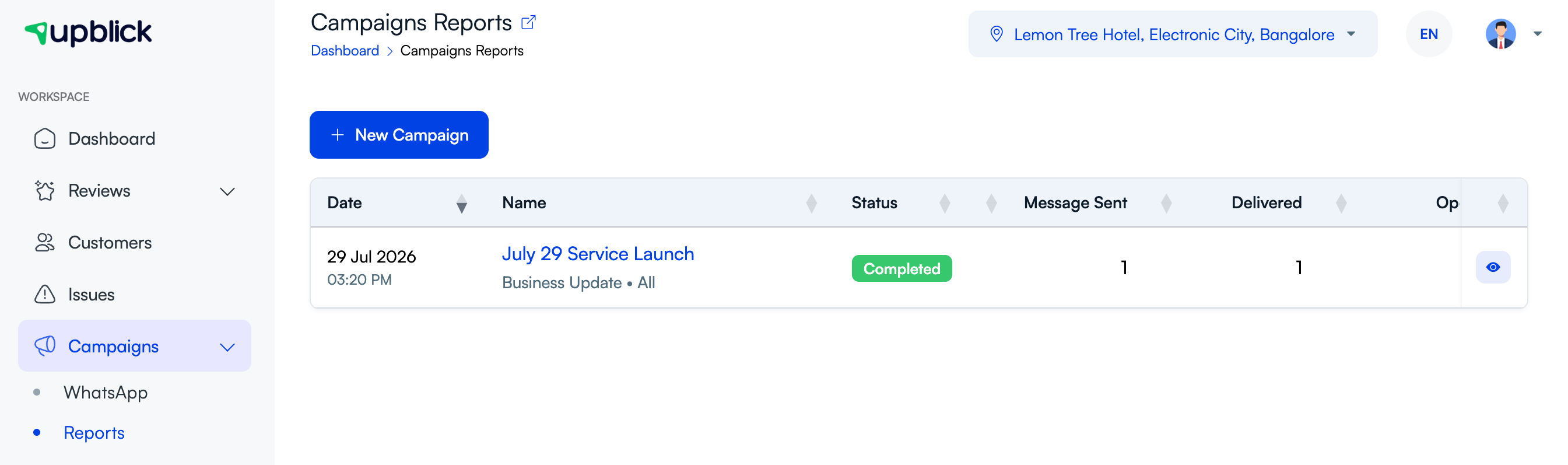
Before deleting
- Check whether the campaign is scheduled, queued, active, or completed.
- Confirm whether any messages have already been sent.
- Save any report information your team needs.
- Make sure deletion will not remove useful tracking context.
If the campaign was sent
Deleting the record does not recall messages already delivered to customers. If the sent message was wrong, send a corrected follow-up only to the appropriate audience.
Related Articles
Turn every customer touchpoint into review growth
Use UpBlick to collect feedback, request Google reviews, recover bad experiences, and understand customer sentiment.
Need help with UpBlick?
Use these guides to set up review collection, customers, WhatsApp automation, issue recovery, and reporting.
Start growing reviews with UpBlick