How does UpBlick identify customer sentiment and common themes?
Analytics & Business Insights
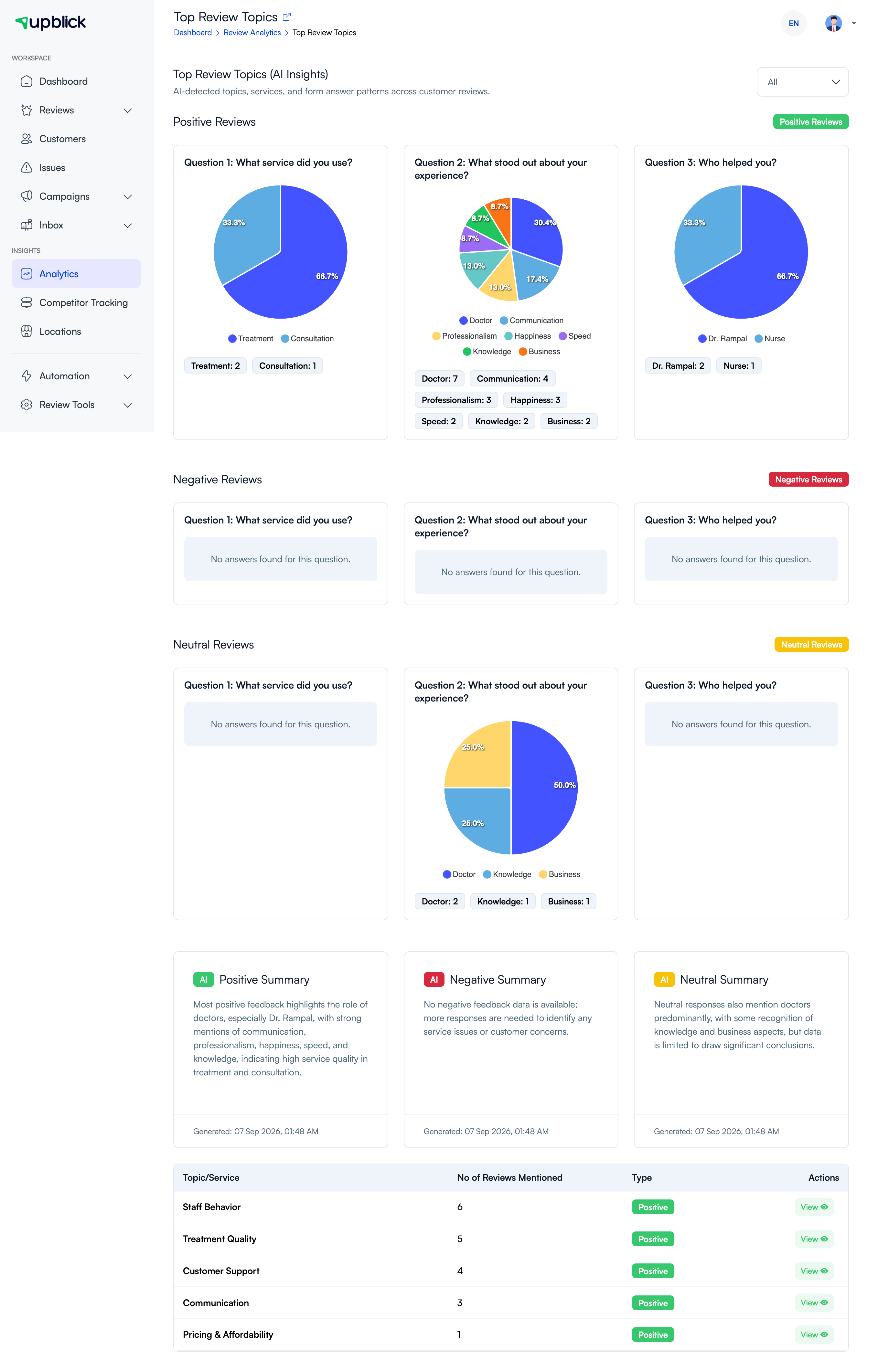
UpBlick uses the customer’s rating, review text, and available form responses to identify likely sentiment and recurring topics. These insights help you find themes across many responses more quickly.
How the analysis works
- UpBlick records the rating, review comment, review source, and selected form answers.
- AI analysis identifies likely positive, negative, or neutral sentiment.
- Related words, services, and answer patterns are grouped into topics.
- Topics are displayed with their review count and sentiment type.
- Your team can open related reviews to verify the pattern.
AI analysis is designed to help you find patterns. It may not capture every nuance, so use the original customer feedback and your team’s judgement before making decisions.
Related Articles
Turn every customer touchpoint into review growth
Use UpBlick to collect feedback, request Google reviews, recover bad experiences, and understand customer sentiment.
Need help with UpBlick?
Use these guides to set up review collection, customers, WhatsApp automation, issue recovery, and reporting.
Start growing reviews with UpBlick