Why was my WhatsApp message not delivered?
WhatsApp & Messaging
If your WhatsApp message was not delivered in UpBlick, the issue is usually tied to one of five things: the channel setup, the customer’s contact details, consent or eligibility, the selected location, or the message workflow itself.
Common reasons delivery fails
- The WhatsApp channel is not connected
- The customer’s phone number or country code is wrong
- The customer was not eligible for that message
- The wrong business location was selected
- The template or workflow was not ready
1. Check the WhatsApp connection
- Open Automation > Channels.
- Select the WhatsApp tab.
- Confirm the current location shows a connected WhatsApp option.

2. Check the customer’s contact details
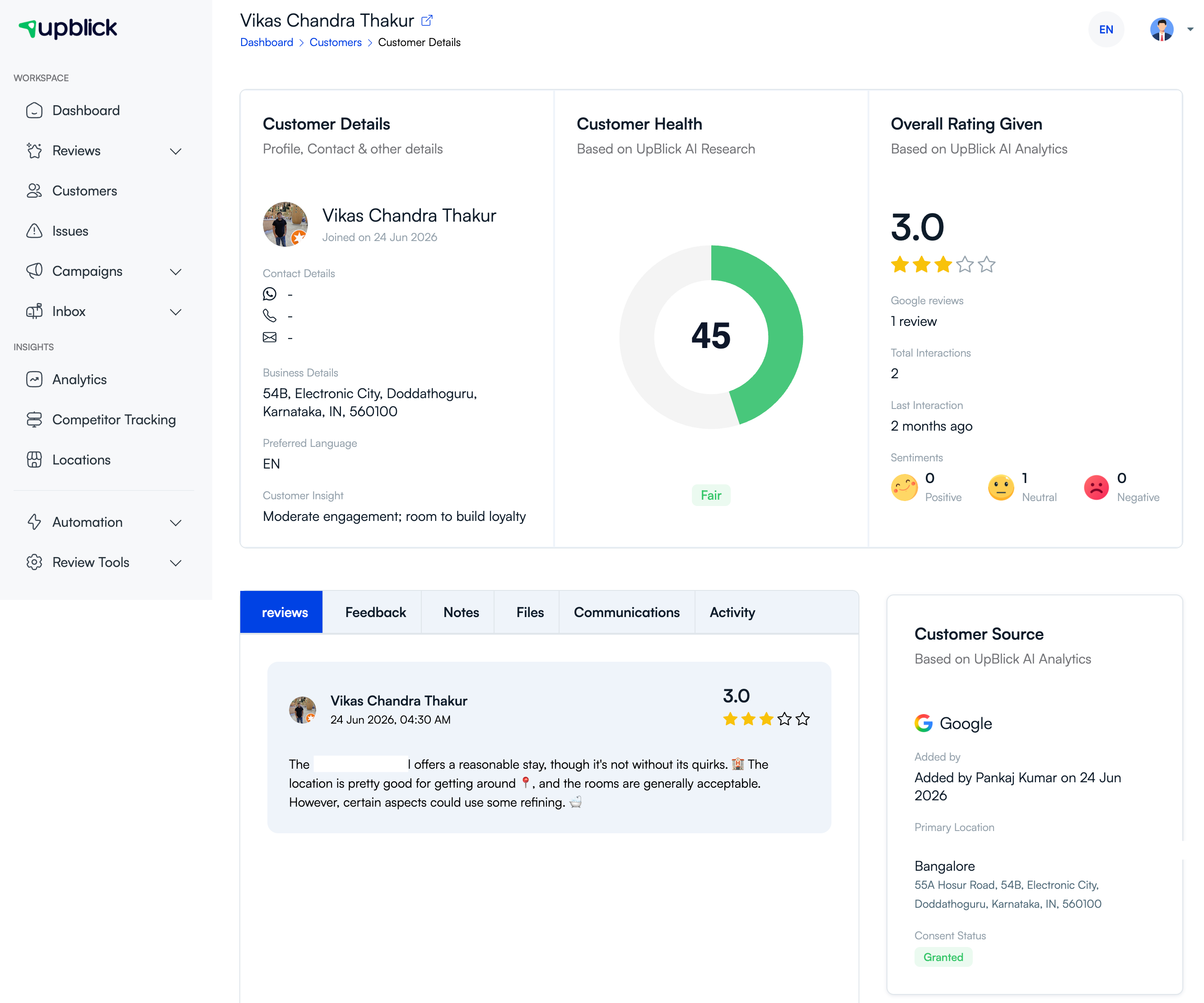
Review the customer record and confirm that the saved mobile or WhatsApp number is correct and includes the right international code.
3. Check message eligibility and consent
Even a technically valid message should not be delivered if the customer should not receive that kind of communication. Review whether the customer was an appropriate recipient for the specific workflow or campaign.
4. Check the workflow or campaign status
Use Review Requests for review-related messages and Campaign Reports for promotional or bulk messages. This helps you see whether the message failed before, during, or after the send attempt.

5. Check the active location
If the wrong location was selected, the wrong channel, audience, or template may have been used. Confirm the location before retrying the message.
Frequently asked questions
What should I check first?
Start with the WhatsApp connection and the customer’s saved phone details. Those are the two most common causes.
Can a message fail even if it was sent?
Yes. A message can be attempted and still fail before it is delivered successfully.
Related Articles
Turn every customer touchpoint into review growth
Use UpBlick to collect feedback, request Google reviews, recover bad experiences, and understand customer sentiment.
Need help with UpBlick?
Use these guides to set up review collection, customers, WhatsApp automation, issue recovery, and reporting.
Start growing reviews with UpBlick