How do WhatsApp message charges work?
WhatsApp & Messaging
WhatsApp message charges in UpBlick are easiest to manage when you treat messaging as a business resource. The more messages you send — especially across campaigns and follow-ups — the more important it becomes to watch usage, audience quality, and delivery performance.
What affects message charges
- The number of WhatsApp messages you send
- Whether you send one-to-one messages or bulk campaigns
- How many follow-ups or reminders are active
- How clean and targeted your audience is
- Whether failed delivery is causing waste
Why audience quality matters
If you send messages to customers who should not receive them, do not have valid numbers, or are unlikely to engage, you increase messaging volume without getting useful results. Good audience selection helps control messaging waste.
Why delivery rate matters
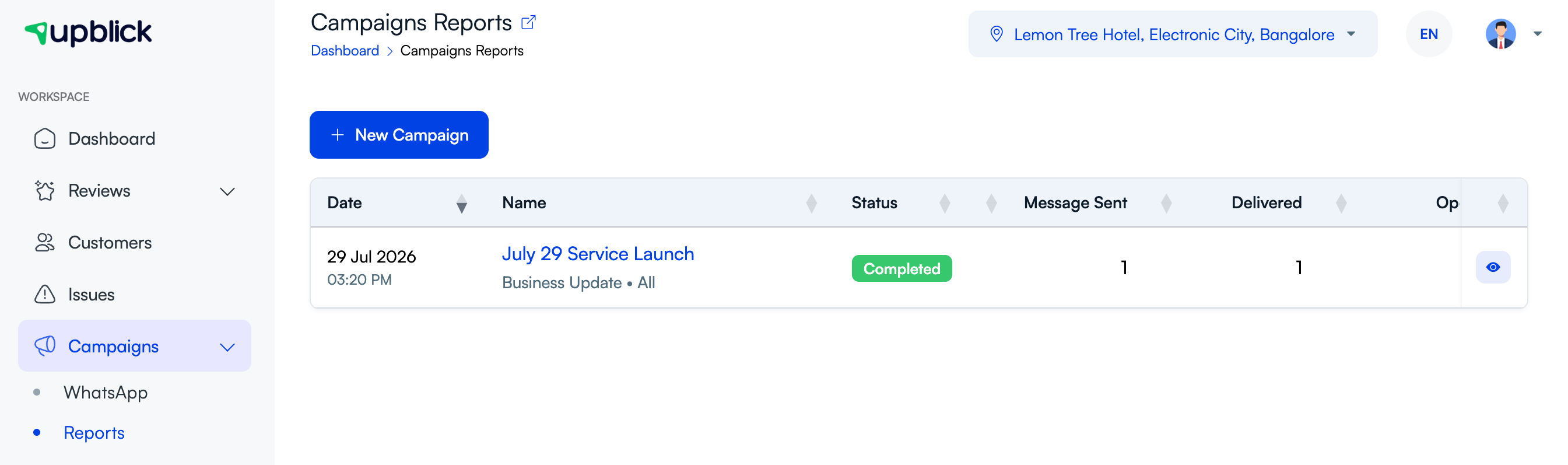
A poor delivery rate can be a sign that message usage is being spent inefficiently. Campaign reporting helps you see whether messages are actually reaching customers.

How to keep message usage under control
- Send only to customers who should receive the message
- Use fewer reminders when they are not adding value
- Clean invalid phone numbers from your records
- Review campaign performance after each send
- Separate review and marketing workflows clearly
What to review regularly
- Campaign send volume
- Delivery rate
- Failed messages
- Audience size and relevance
- Reminder frequency
Frequently asked questions
Do bulk campaigns usually use more message volume than one-to-one sends?
Yes. Bulk campaigns can increase usage quickly, which is why audience quality and timing matter so much.
Why should I watch failed messages?
Because failed messages can signal wasted usage caused by bad contact data, wrong audience targeting, or delivery issues.
How can I control messaging costs better?
Keep audiences targeted, reduce unnecessary follow-ups, and review performance after sending instead of treating every message as equal.
Related Articles
Turn every customer touchpoint into review growth
Use UpBlick to collect feedback, request Google reviews, recover bad experiences, and understand customer sentiment.
Need help with UpBlick?
Use these guides to set up review collection, customers, WhatsApp automation, issue recovery, and reporting.
Start growing reviews with UpBlick